




24/7 Support
Fast, professional support




















Choosing a 21-inch LCD panel for an industrial environment involves more than checking screen size and resolution. Brightness, viewing angles, input compatibility, mounting design, front protection, operating conditions, and power requirements all affect how well a display performs in its intended installation.
A 21-inch industrial LCD panel may be used in manufacturing equipment, control systems, security monitoring, transportation applications, or custom enclosures. Each environment has different requirements. A display designed for an enclosed machine may not be the right choice for an outdoor-facing installation or a rack-mounted control station.
This guide explains the main 21-inch LCD panel specifications to compare and highlights practical examples from RackmountSales.
Screen size and native resolution are two of the first specifications to check.
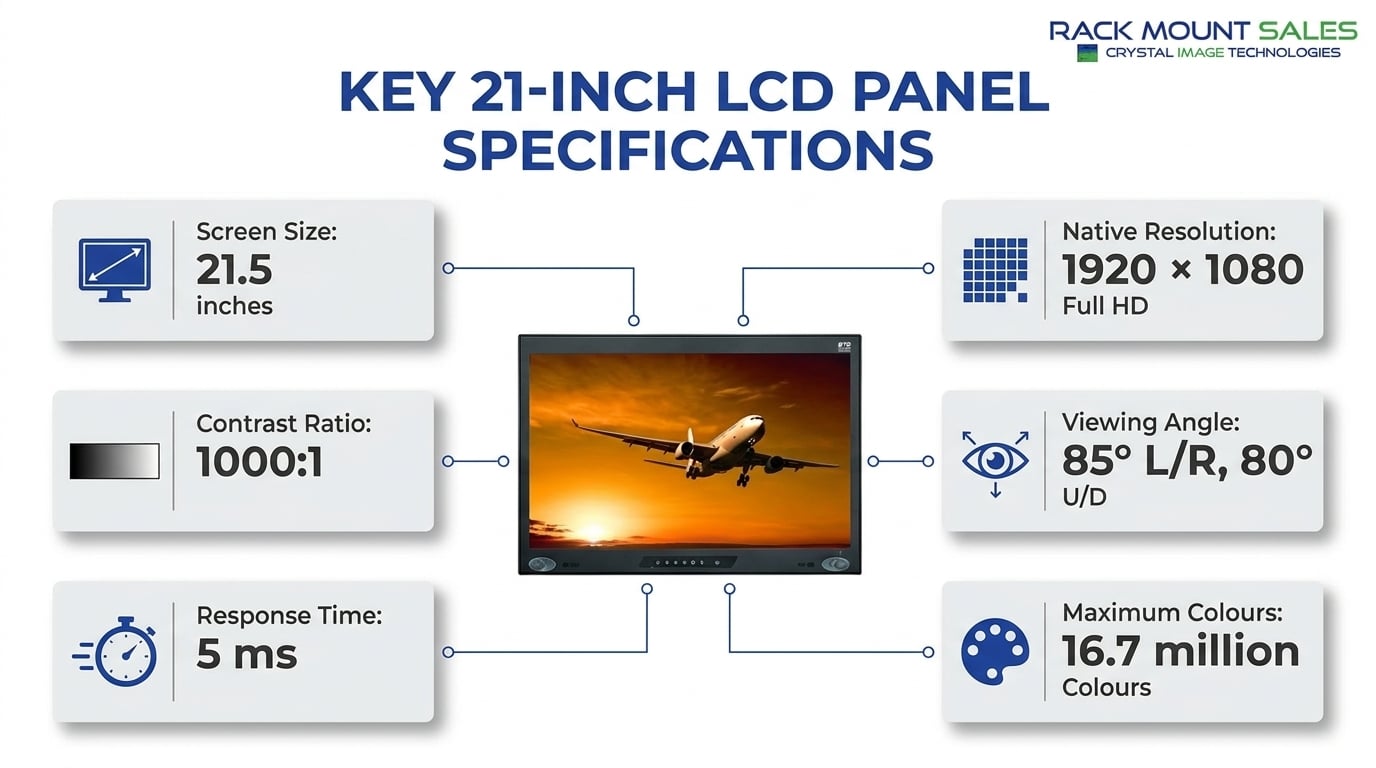
A display marketed as 21 inches may have a diagonal measurement of 21.5 inches. This distinction matters when planning enclosure dimensions, mounting cutouts, or replacement installations.
Resolution determines how much visual information the screen can display. A Full HD resolution of 1920 × 1080 provides a widescreen format suitable for many industrial interfaces, monitoring applications, and control software.
For example, RackmountSales lists its 21.5-inch rugged aluminum-frame LCD panel with a native resolution of 1920 × 1080. The same resolution is listed for its 21.5-inch open-frame panel.
When comparing specifications, check:
These details help establish whether the panel will display the required content clearly and fit the intended equipment.
Brightness is particularly important when an LCD panel will operate in a brightly lit room, near windows, or in an environment with strong ambient light.
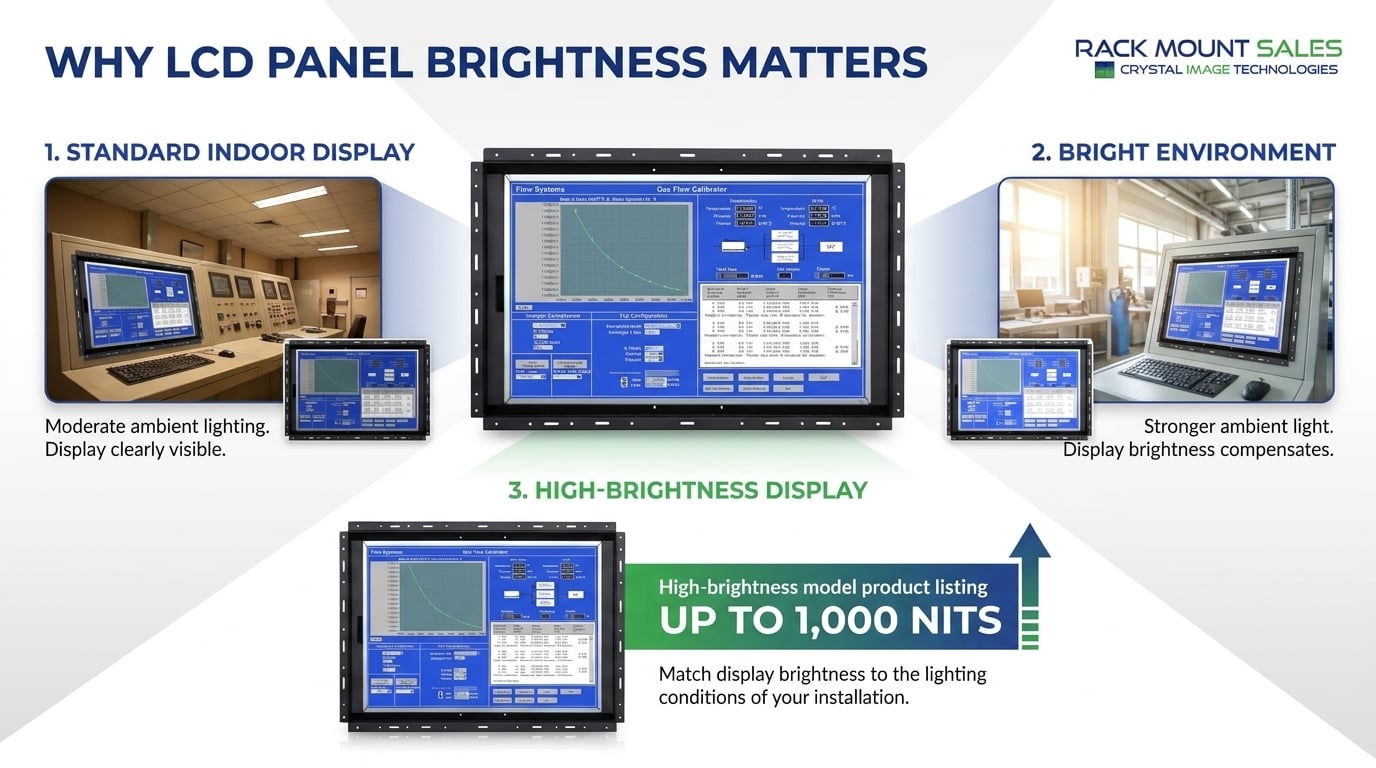
Manufacturers usually express display brightness in nits or candelas per square metre (cd/m²). A higher brightness rating can improve visibility under challenging lighting conditions, although screen treatment, viewing angle, and reflections also influence the result.
A standard industrial panel may be suitable for controlled indoor environments. Applications exposed to stronger ambient light may require a high-brightness display.
RackmountSales lists a 21-inch rugged high-brightness LCD panel with a 1,000-nit brightness claim in its product information. However, the detailed specification table on that page lists 250 cd/m². Buyers should confirm the correct brightness specification with the supplier before selecting this model.
For a separate example, the 8U 21.5-inch high-brightness rackmount LCD panel is listed with 1,000-nit brightness and a 1920 × 1080 resolution.
Before choosing a panel, consider the actual lighting conditions at the installation point rather than selecting a display based on brightness alone.
Contrast ratio describes the difference between the brightest white and darkest black a display can produce. It affects how clearly text, interface elements, images, and other visual information appear.
Colour performance also matters when operators need to distinguish status indicators, warning signals, diagrams, or graphical information.
The RackmountSales aluminum-frame and open-frame 21.5-inch panel listings specify:
These specifications provide useful comparison points when evaluating industrial LCD displays. However, the right choice still depends on the software, content, and viewing conditions involved.
Viewing angle describes how far users can move away from the centre of the screen before image quality or colour appearance changes noticeably.
This specification becomes important when a display is installed in a control room, production line, vehicle, or shared workstation where several people may view it from different positions.
The 21.5-inch aluminum-frame and open-frame panel listings specify viewing angles of 85° left, 85° right, 80° up, and 80° down. They also list a 5 ms response time.
Response time indicates how quickly pixels transition between states. It can affect the appearance of moving content, video feeds, and rapidly changing interface elements.
For applications involving CCTV feeds or moving visual information, compare response time alongside resolution and brightness rather than treating any one specification as decisive.
The physical design of an industrial LCD panel affects how it can be installed.
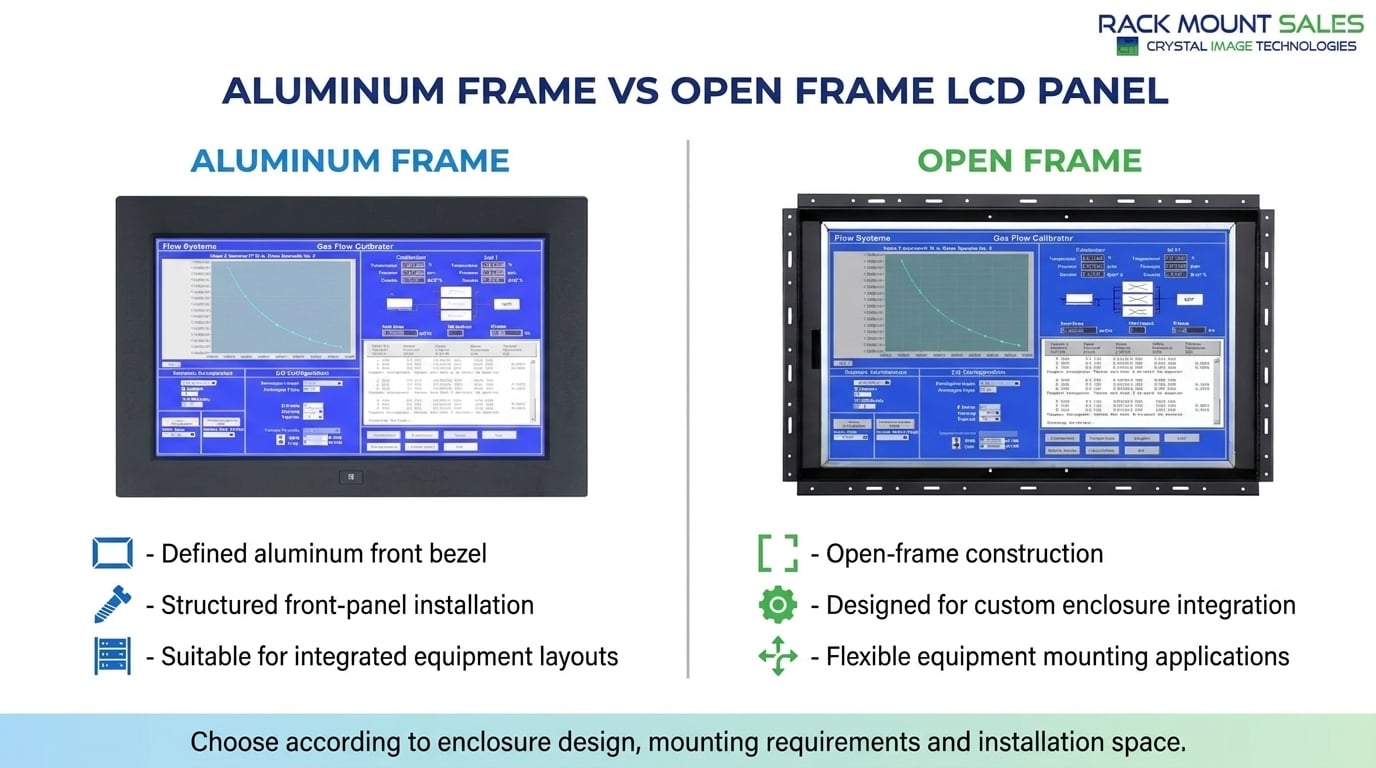
An aluminum-frame panel is worth considering when the installation requires a defined front bezel and a structured panel enclosure. RackmountSales offers a 21-inch rugged LCD panel with an aluminum frame. Its listed features include a 6 mm aluminum front bezel.
An open-frame LCD panel serves a different installation purpose. It can be considered for custom enclosures, equipment consoles, kiosks, and machinery where the display is integrated into a larger structure.
The 21-inch universal open-frame LCD panel is an example of this format.
The decision should depend on the enclosure design, mounting method, available space, and protection required at the installation point.
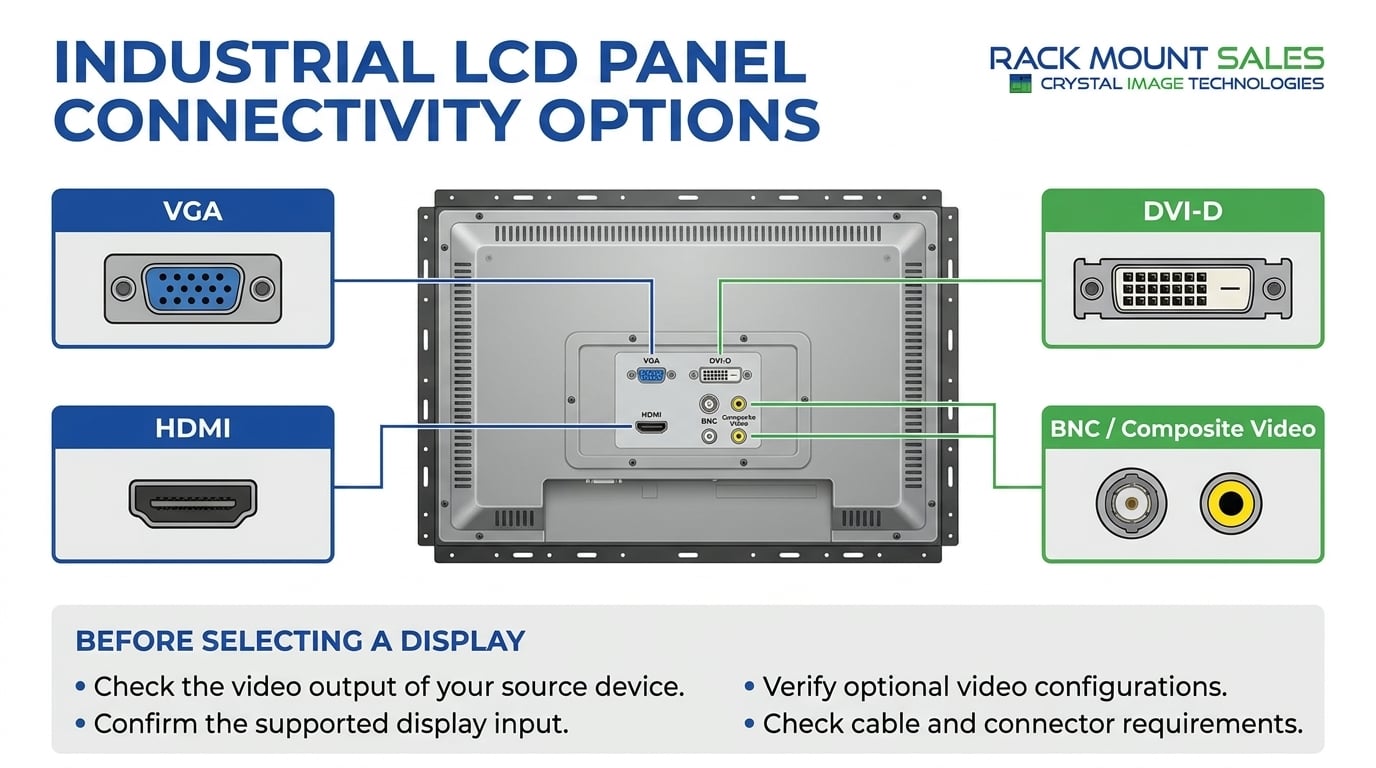
A display must support the video output provided by the connected computer, controller, or video equipment.
Common industrial display connections include VGA, DVI-D, and HDMI. Some installations may also require specialised inputs such as SDI, composite video, or S-Video.
The aluminum-frame and open-frame panel listings identify VGA and DVI-D single-link video input, with additional video options listed separately. These include HDMI, SDI, composite video, and S-Video options.
The 8U rackmount model also lists optional video configurations, including DVI-D, HDMI, BNC, and S-Video.
Before ordering, verify:
Do not assume that every input shown as an option is included in the standard configuration. Confirm the supplied connections and selected options before purchase.
Industrial displays may be installed in locations where the front surface is exposed to dust, splashes, frequent contact, or accidental impact.
For these applications, check the front protection rating and screen construction. A NEMA4 or IP65 front-protection option may be relevant where the installation requires protection against environmental exposure. Confirm the exact protection level and whether it applies to the front face or the complete assembly.
Touchscreen requirements should also be considered. Depending on the application, operators may need resistive touch or capacitive multi-touch functionality.
RackmountSales lists optional resistive and capacitive touchscreen configurations for its high-brightness 21-inch panel. The product listing also identifies NEMA4/IP65 front protection as a feature.
These options should be confirmed for the exact model and configuration being ordered.
A display can meet every visual requirement and still be unsuitable if it does not fit the installation.
Check the overall product dimensions, mounting arrangement, available clearance, and access to connectors. For rack installations, rack-unit height and mounting compatibility are particularly important.
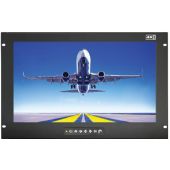
The 8U 21.5-inch rackmount LCD panel is designed as an 8U rackmount display and lists VESA and rackmount mounting options.
Power requirements also deserve attention. The aluminum-frame panel specification lists auto-sensing 100 to 240 VAC input at 50/60 Hz. Its product options include alternative DC power configurations. Other models may have different standard and optional power arrangements, so check the specification for the exact part number.
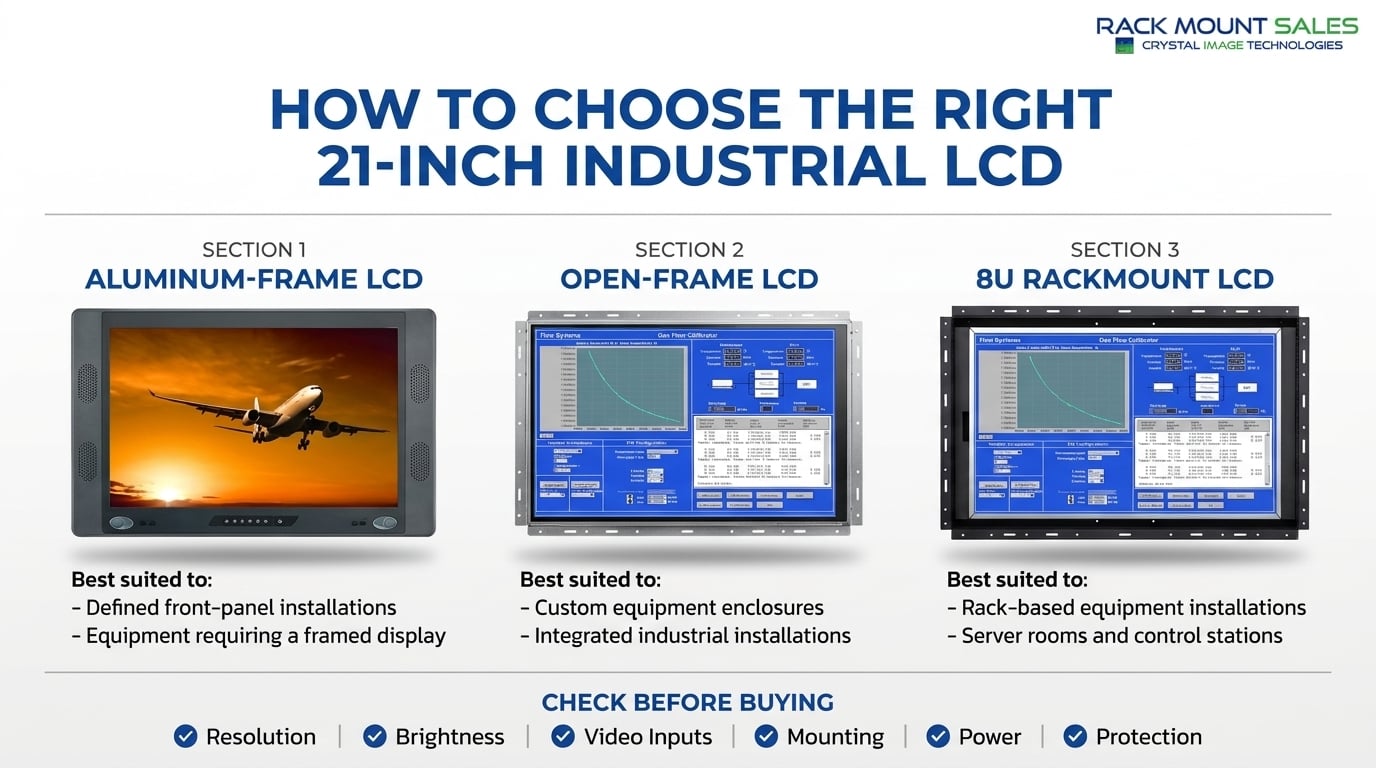
The following table summarises the main differences between the four product listings.
|
Display |
Design or installation format |
Listed details |
|
LCD-AP-F21 |
Aluminum-frame industrial LCD |
21.5-inch, 1920 × 1080, 250 cd/m² in detailed table, 1000:1 contrast |
|
LCD-OP-F21 |
Universal open-frame LCD |
21.5-inch, 1920 × 1080, 250 cd/m² in detailed table, 1000:1 contrast |
|
LCD-AP-F21-1 |
High-brightness industrial LCD |
Product information claims 1,000 nits; detailed table lists 250 cd/m² |
|
RMPH-161-F21 |
8U rackmount LCD |
21.5-inch, 1920 × 1080, 1,000 nits, VESA and rackmount options |
Specifications and options should be confirmed against the exact product configuration before ordering.
A 21-inch industrial display can suit applications that need a larger viewing area without moving to a substantially larger screen.
Common installation environments include:
The final choice depends on the physical installation, lighting conditions, video source, and environmental requirements.
It depends on the model. The RackmountSales 21.5-inch aluminum-frame and open-frame examples are listed with a native resolution of 1920 × 1080.
Not exactly. The diagonal measurement is 21.5 inches, although the product may be marketed using a rounded 21-inch description. Check the actual dimensions before planning an installation.
The required brightness depends on ambient lighting and viewing conditions. Standard indoor installations may not need the same brightness as displays used in bright environments. Compare the rated brightness and confirm the specification for the exact model.
An aluminum-frame panel has a defined frame or bezel, while an open-frame design is intended for integration into a larger enclosure or equipment structure. The appropriate option depends on the installation.
Some configurations offer HDMI, but supported inputs vary by model and option. Confirm whether HDMI is included in the standard configuration or must be selected separately.
Compare native resolution, brightness, contrast ratio, viewing angles, video inputs, frame design, mounting dimensions, front protection, touchscreen options, and power requirements.
The right 21-inch LCD panel should match the installation rather than simply offer the highest specification on paper. Resolution, brightness, connectivity, frame construction, mounting, and environmental protection all influence whether a display is suitable for a particular application.
Compare the available industrial LCD panels by their actual specifications and configuration options. For a custom enclosure, an open-frame design may be appropriate; for a defined front installation, an aluminum-frame panel may be a better fit; and for rack-based equipment, an 8U rackmount display offers a dedicated mounting format.
Review the product specifications and confirm any optional features before placing an order.
Industrial LCD displays are built for heavy-duty environments like factories, warehouses, and outdoor terminals. They can handle heat, dust, vibration, and long operating hours.
Militarydev411

Downtime costs more than most people expect. When LCD monitor drawers fail inside a rack, teams lose access, waste time, and risk bigger hardware issues. Proper care keeps LCD monitordev411
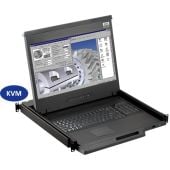
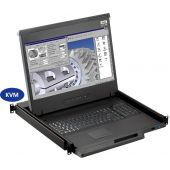
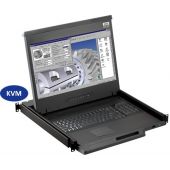
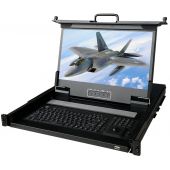
A rack mount monitor with KVM combines display, keyboard, and mouse into a single unit. This all-in-one design lets IT teams access multiple servers without juggling separate devices.dev411
We are so confident you will be satisfied with our products that we offer a 100% satisfaction guarantee


