




24/7 Support
Fast, professional support




















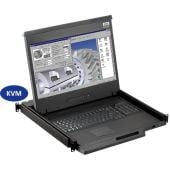
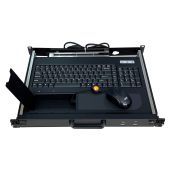
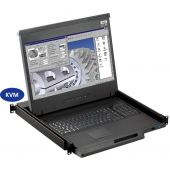
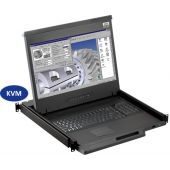
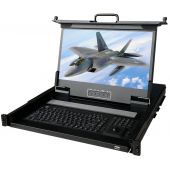
A rack mount monitor with KVM combines display, keyboard, and mouse into a single unit. This all-in-one design lets IT teams access multiple servers without juggling separate devices. It's a space-saving solution that keeps racks tidy and operations smooth.
These units integrate:
You simply pull out the monitor drawer, power it on, and switch between connected servers using buttons or on-screen menus. Setup is mostly plug-and-play, minimizing downtime.
Rack mount monitors with KVM shine where space is limited:
They reduce the need for separate keyboards, monitors, and mouse stations, keeping everything organized and accessible.
Standalone KVM switches separate the keyboard, monitor, and mouse from the servers, connecting multiple machines to one control station. This gives maximum flexibility in large or complex environments.
A standalone KVM switch works by routing signals from your keyboard, video, and mouse to multiple servers. Switching can be done via:
These switches support multiple servers, often dozens, without requiring each server to have its own monitor.
Standalone KVM switches are ideal when:
They allow IT teams to add or replace servers without altering the console setup, making upgrades seamless.
Space is a premium in racks. Integrated monitors with KVM save significant room because the display and KVM are combined. There’s no need for extra monitor shelves or separate KVM placement.
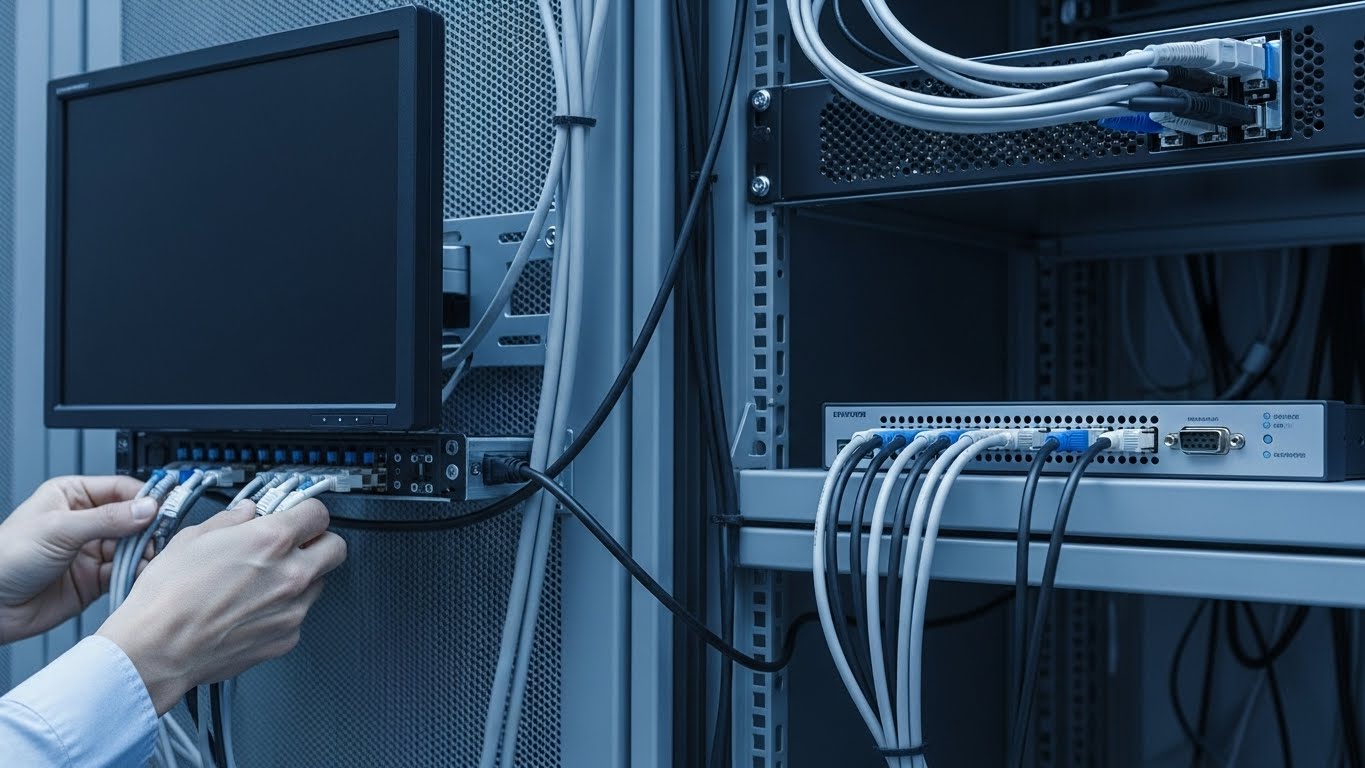
Standalone KVM switches are smaller and can fit in tight spaces, but they require a separate monitor and keyboard. For high-density racks, this can add clutter and cable complexity.
Setting up a rack mount monitor with KVM is usually straightforward. Most units are plug-and-play, requiring minimal cabling. The integrated design means fewer wires and simpler cable management, making regular cleaning and maintenance easier.
Standalone KVM switches need more careful planning. Separate monitors, keyboards, and mouse stations must be connected, and proper cable routing is essential. Maintenance involves checking multiple devices and connections to prevent downtime.
Initial costs differ. Rack mount monitors with KVM often cost more per unit because they combine hardware into one device. Standalone KVM switches are cheaper individually but may require separate monitors and keyboards, adding to overall setup costs.
Both solutions provide efficient multi-server access, but ergonomics and switching speed can differ.
Choosing the right setup depends on your server environment and workflow needs.
Both rack-mount monitors with KVM and standalone KVM switches have their strengths. Integrated units offer convenience, space savings, and quick setup, while standalone KVM switches provide flexibility, scalability, and easier upgrades for large server environments. Understanding your rack size, server density, and long-term growth plans will guide the best choice for your IT setup. For trusted solutions and expert guidance, visit rackmountsales.
Can a rack mount monitor with KVM replace a standalone KVM?
Yes, for smaller racks and moderate server counts, an integrated KVM monitor can replace a standalone KVM switch.
How many servers can I control with a standalone KVM switch?
Standalone KVM switches can manage multiple servers, sometimes dozens, depending on the model.
Is latency noticeable on integrated KVM monitors?
Typically no, especially in small setups, though very large environments may see slight delays when switching multiple servers.
Do integrated KVM monitors save space in the rack?
Yes, combining monitor, keyboard, and mouse into one unit significantly reduces rack clutter.
How do costs compare between integrated and standalone KVM setups?
Integrated KVM monitors have higher upfront costs but require fewer separate components. Standalone KVM switches are often cheaper per unit but need additional monitors and peripherals, which can increase overall cost.

Industrial LCD displays are built for heavy-duty environments like factories, warehouses, and outdoor terminals. They can handle heat, dust, vibration, and long operating hours.
Militarydev411

Downtime costs more than most people expect. When LCD monitor drawers fail inside a rack, teams lose access, waste time, and risk bigger hardware issues. Proper care keeps LCD monitordev411
A rack mount monitor with KVM combines display, keyboard, and mouse into a single unit. This all-in-one design lets IT teams access multiple servers without juggling separate devices.dev411
We are so confident you will be satisfied with our products that we offer a 100% satisfaction guarantee


