




24/7 Support
Fast, professional support




















Downtime costs more than most people expect. When LCD monitor drawers fail inside a rack, teams lose access, waste time, and risk bigger hardware issues. Proper care keeps LCD monitor drawers smooth, clear, and dependable, especially in busy server rooms and data centers.
Good maintenance is not about extra work. It is about small habits that protect your investment and keep systems running without surprises.
Dust and fingerprints are not just cosmetic problems. Over time, they reduce screen clarity, trap heat, and stress internal parts.
Clean screens gently and regularly.
Do:
Don’t:
A clean screen improves visibility and reduces eye strain during long sessions.
Dust builds up faster inside racks than most people realize. Fans pull particles inward, where they settle on rails and vents.
Simple habits help:
These steps protect LCD monitor drawers from internal wear and heat buildup.
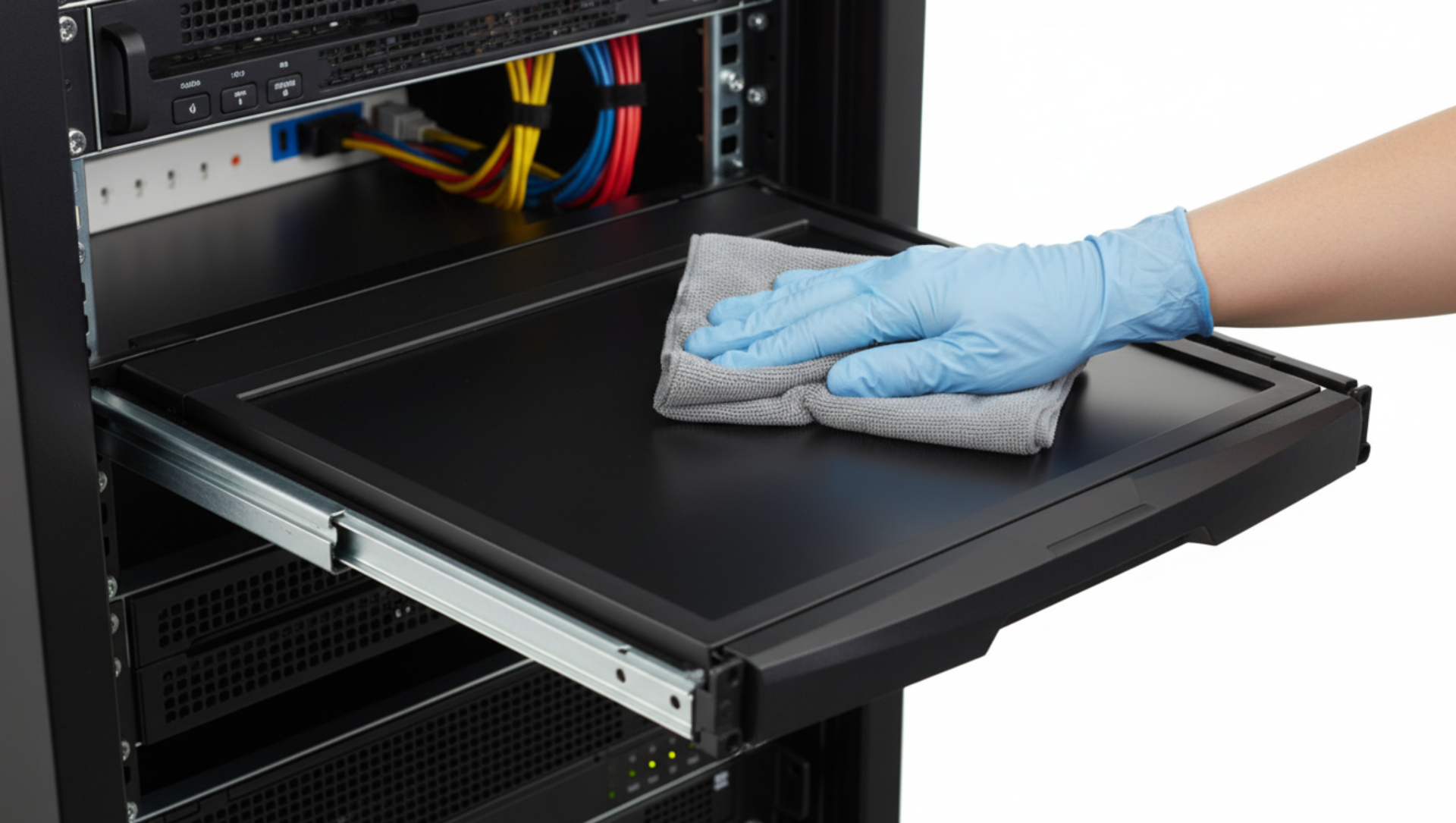
Rails do most of the physical work. When they fail, LCD monitor drawers become frustrating or unusable.
Check rails every few months. If movement feels stiff or uneven, action is needed.
Smooth rails reduce stress on mounts and prevent sudden jerks that can damage screens.
Watch for early warning signs:
Fixing small rail issues early prevents full replacement later.
Heat is one of the fastest ways to shorten the life of LCD monitor drawers.
Excess heat fades displays, weakens cables, and dries internal components. Over time, screens lose brightness and drawers fail without warning.
Even high-quality rackmount LCD monitor drawers suffer in poor airflow conditions.
Small airflow fixes make a big difference:
Balanced airflow keeps temperatures stable and protects sensitive electronics.
Cables are often ignored until something stops working. Poor cable handling puts constant stress on LCD monitor drawers, especially in extendable rack setups.
Every time the drawer slides in and out, cables bend and shift. Over time, this movement causes internal breaks.
Check these areas often:
Loose or strained cables reduce signal quality and lead to sudden screen loss.
Good routing allows movement without tension.
Proper routing keeps LCD monitor drawers responsive and protects internal connectors.
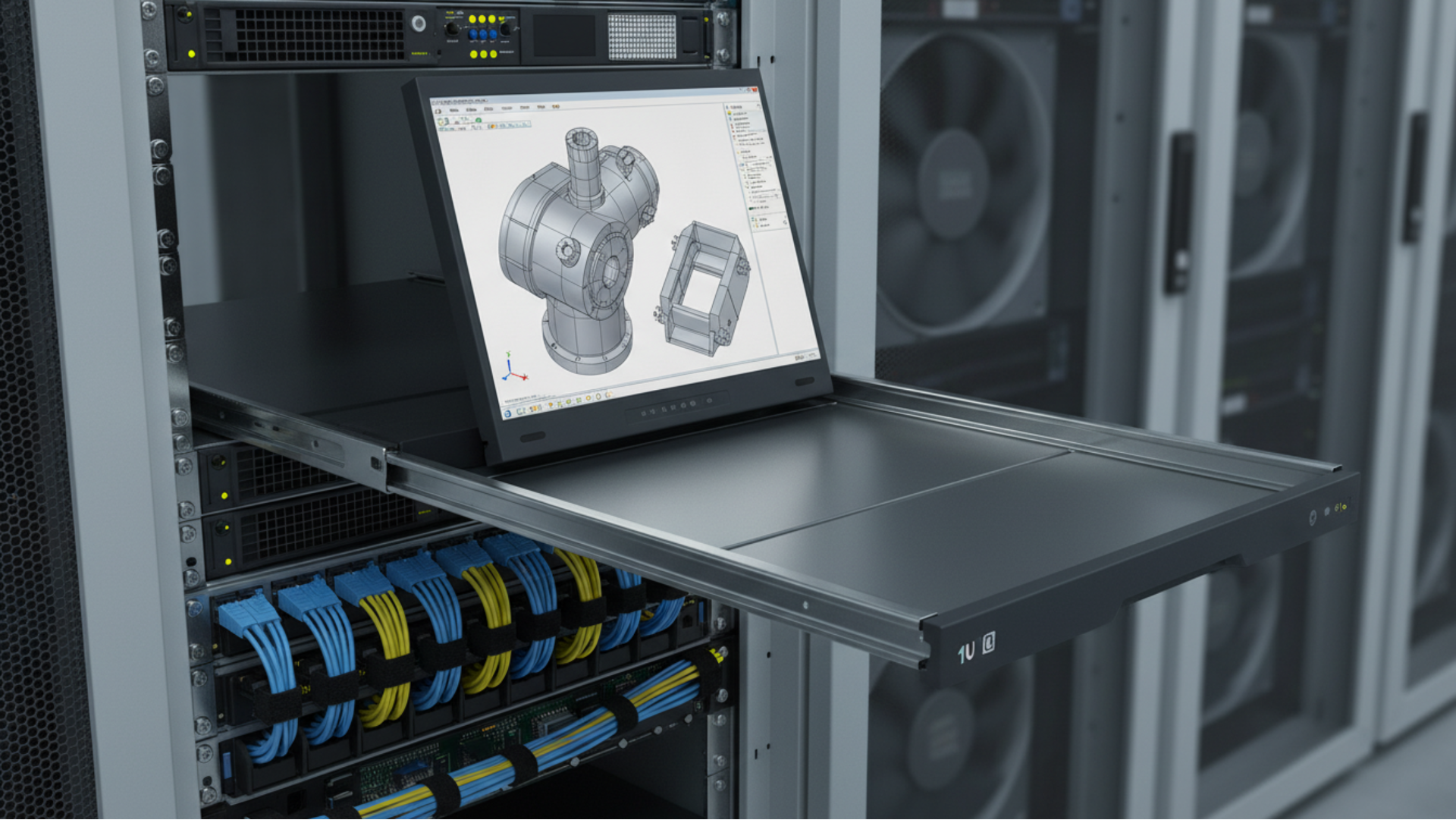
Quick inspections save time and money. They catch problems before users notice performance drops.
Spend a few minutes looking for obvious issues:
These small checks reduce surprise failures.
A deeper review once a month improves long-term reliability.
Documenting issues helps track wear patterns over time.
Not all LCD monitor drawers see the same level of use. Maintenance should match real-world conditions.
Idle drawers still need care.
This prevents parts from seizing or degrading unnoticed.
Frequent use increases wear.
High-use racks benefit most from consistent maintenance habits.
Not every issue requires replacement. Smart decisions reduce waste and downtime.
Repair makes sense when:
Replacement is often better when:
Balancing cost and reliability keeps rack systems efficient.
Maintenance works best when hardware quality is solid. Well-built LCD monitor drawers resist vibration, heat, and frequent movement better than low-grade options. Strong frames, reliable rails, and clear displays reduce maintenance effort and extend service life.
Choosing dependable rackmount solutions from trusted suppliers makes long-term upkeep easier. For enterprise-grade options and replacement parts, visit RackmountSales, where Rackmount LCD monitor drawers are designed for demanding IT environments.
Consistent care keeps LCD monitor drawers reliable, clear, and easy to use. Small actions, cleaning screens, protecting rails, managing heat, and checking cables, prevent costly failures and downtime. When maintenance becomes routine, drawers last longer and perform better in every rack environment.
How often should LCD monitor drawers be cleaned?
Light screen cleaning should happen weekly in active environments. Deep cleaning works best once a month.
Can poor airflow damage LCD monitor drawers?
Yes. Heat buildup shortens display life, weakens cables, and increases internal wear.
Why do LCD monitor drawer rails become stiff over time?
Dust buildup, lack of lubrication, and constant use cause friction and uneven movement.
Are LCD KVM drawers harder to maintain than standard drawers?
They need similar care but require extra attention to cable routing and connector stress.
How long do LCD monitor drawers usually last?
With proper maintenance, quality rackmount LCD monitor drawers can last many years in data center conditions.

Industrial LCD displays are built for heavy-duty environments like factories, warehouses, and outdoor terminals. They can handle heat, dust, vibration, and long operating hours.
Militarydev411

Downtime costs more than most people expect. When LCD monitor drawers fail inside a rack, teams lose access, waste time, and risk bigger hardware issues. Proper care keeps LCD monitordev411

A rack mount monitor with KVM combines display, keyboard, and mouse into a single unit. This all-in-one design lets IT teams access multiple servers without juggling separate devices.dev411








We are so confident you will be satisfied with our products that we offer a 100% satisfaction guarantee


