




24/7 Support
Fast, professional support




















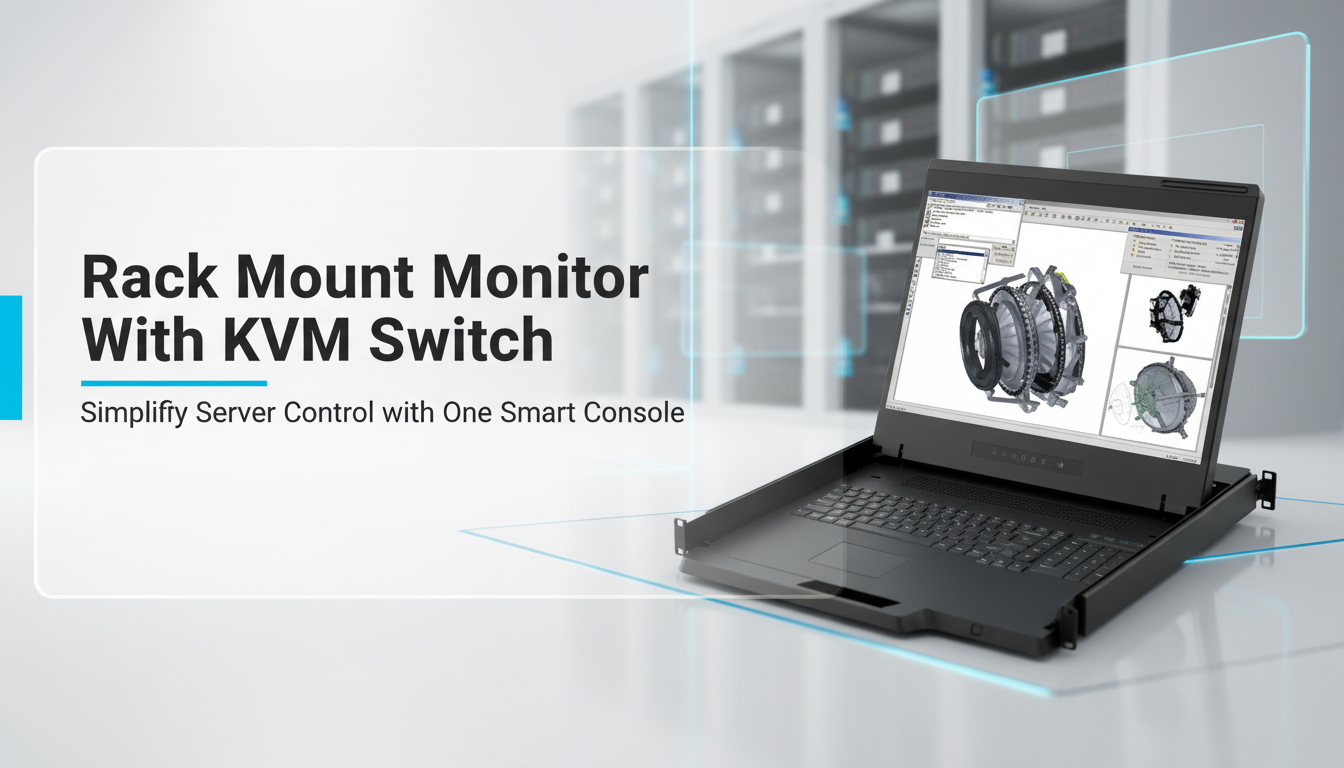
Managing multiple servers should be fast, simple, and reliable. But in many setups, it becomes messy, too many cables, too many monitors, and too much wasted space. This is exactly where a Rack Mount Monitor With KVM Switch changes everything.
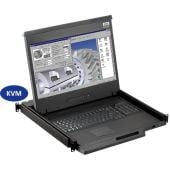
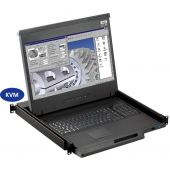
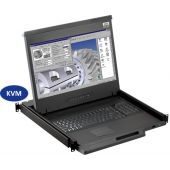
Instead of using separate devices, an integrated KVM rack console combines a monitor, keyboard, touchpad, and KVM switch into a single compact unit. It fits directly into your server rack and gives you full control from one place.
This setup is not just about convenience; it directly improves efficiency. IT teams can switch between servers instantly, reduce hardware clutter, and respond faster to issues. In high-demand environments like data centers, this level of control can save both time and money.
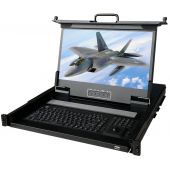
A Rack Mount Monitor With KVM Switch is a compact console installed inside a server rack that includes a display, keyboard, touchpad, and a built-in KVM switch. It allows users to control multiple servers from a single interface without needing separate monitors or input devices.
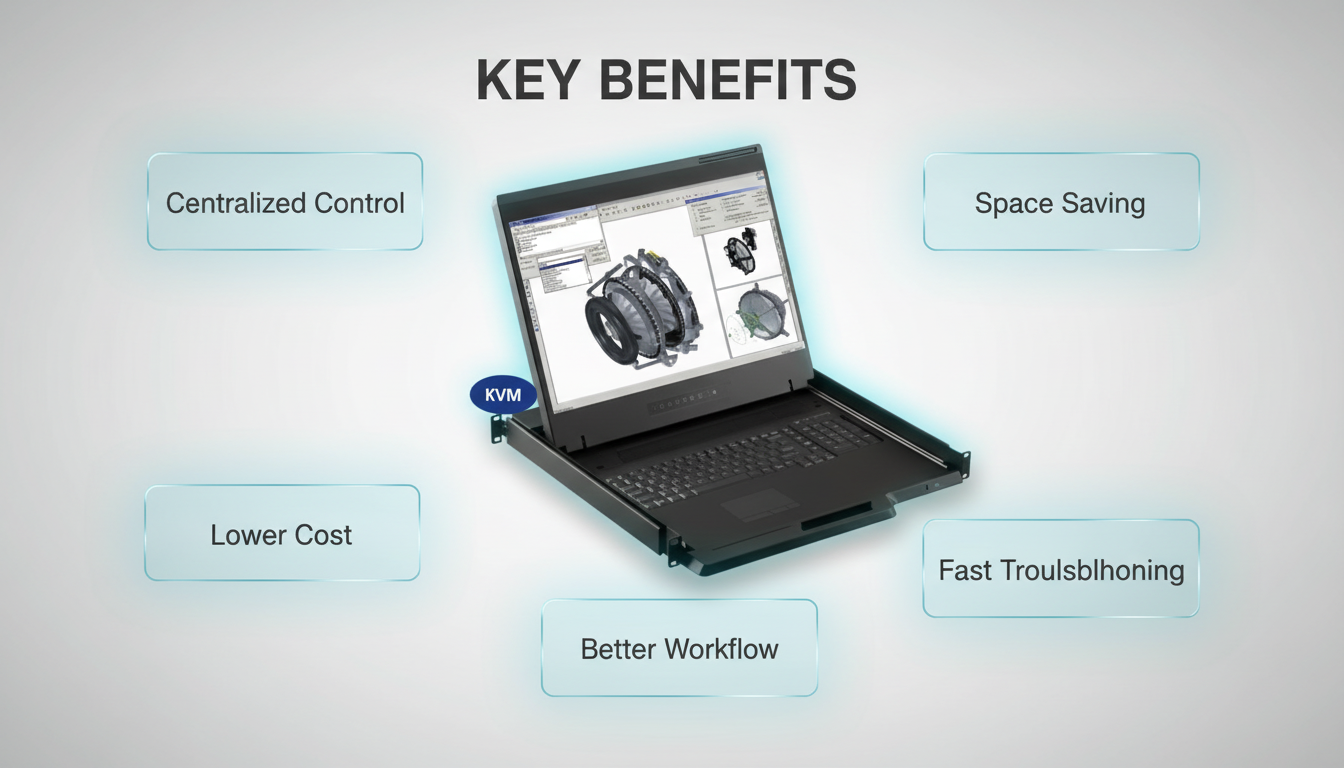
One of the biggest advantages of using a rackmount monitor with KVM is centralized control.
Instead of managing each server individually, you can access all connected systems from one console. With a simple switch, you can move between servers in seconds. This is especially useful in environments where dozens of machines are running at the same time.
This centralized approach reduces complexity and makes server management much more efficient.
Rack space is expensive and limited. A 1U rackmount KVM console solves this problem by combining multiple components into a single unit.
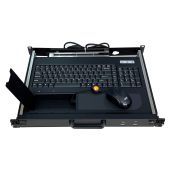
You no longer need a separate monitor, keyboard, and mouse for each server. Everything is built into a sliding drawer that fits neatly into your rack.
This frees up valuable space for additional equipment and keeps your setup clean and organized.
Using separate devices for each server can quickly become expensive. You need multiple monitors, keyboards, cables, and power sources.
A rack mount KVM switch monitor reduces these costs by eliminating unnecessary hardware. One console can manage multiple systems, cutting down both initial investment and long-term maintenance expenses.
This makes it a cost-effective solution for growing businesses and large-scale operations.
When a server goes down, every second counts. A KVM console drawer allows you to access the system instantly without setting up external devices.
You can diagnose issues, restart systems, and make changes quickly. This reduces downtime and ensures that operations continue smoothly.
For IT teams, this speed can make a significant difference in overall performance.
With everything in one place, daily tasks become faster and easier.
You don’t need to move between different workstations or deal with tangled cables. The rack console with KVM provides a streamlined workflow that improves productivity.
This is especially important in environments where multiple tasks need to be handled at once.
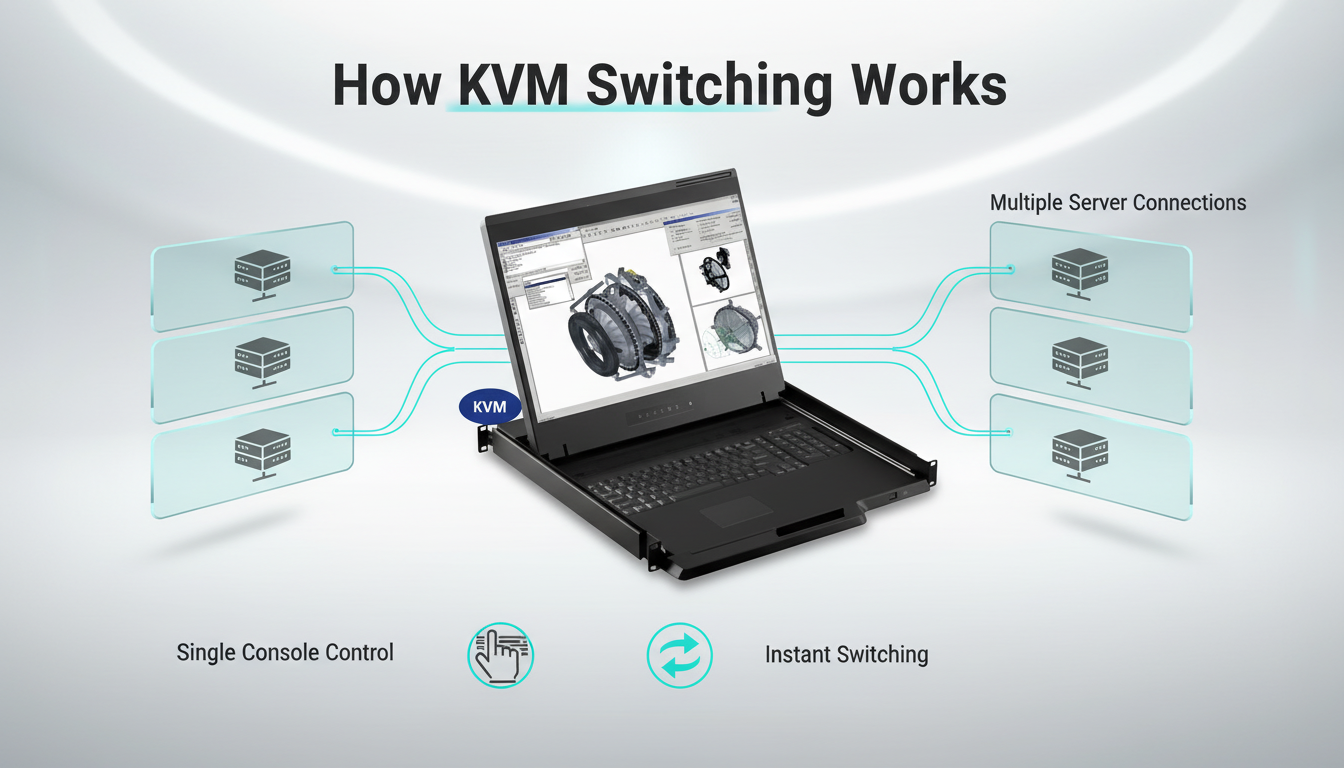
A rack mount monitor with KVM switch is designed to fit into standard server racks, usually occupying 1U of space.
The unit remains stored inside the rack until needed. When you need access, you simply pull out the drawer. The monitor lifts into position, and the keyboard and touchpad are ready to use.
The built-in KVM switch connects to multiple servers. With a button or keyboard shortcut, you can switch between systems instantly.
Once your work is done, you fold the screen down and slide the unit back into the rack. This keeps everything protected and organized.
This simple yet powerful design makes server management more efficient and less stressful.
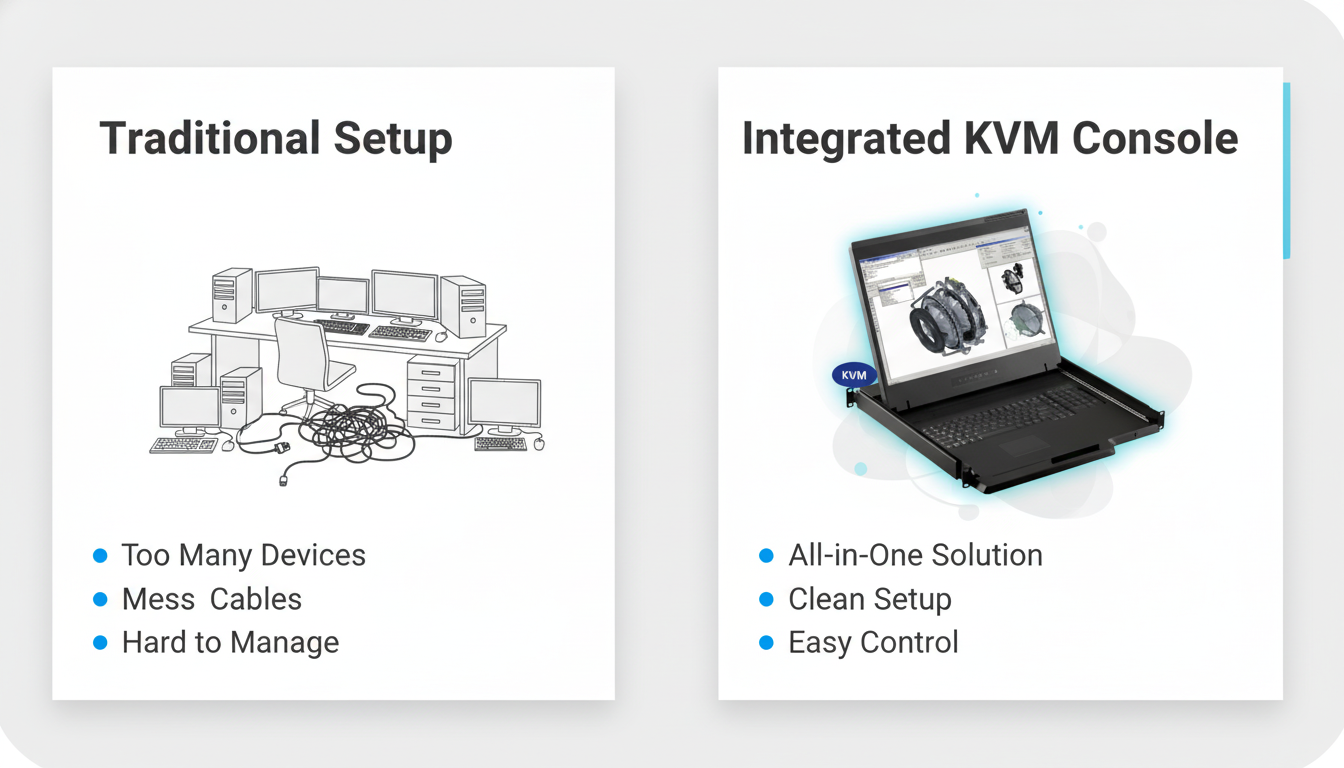
Many setups still rely on separate monitors and external KVM switches. While this works, it is not the most efficient solution.
A separate setup takes up more space and requires more cables. It also increases the chances of connection issues and hardware failures.
An integrated rackmount KVM console drawer, on the other hand, combines everything into one unit. This reduces clutter, simplifies installation, and improves reliability.
In most modern environments, integrated solutions are the smarter choice.
An integrated Rack Mount Monitor With KVM Switch is built for environments where speed, control, and organization matter.
It is ideal for:
If your setup involves multiple machines in a rack, this solution becomes almost essential.
Choosing the right console is not just about price. The right features can improve performance and long-term reliability.
Start by checking how many servers you need to control. An 8 port KVM is enough for small to medium setups. Larger environments may require 16 or even more ports.
Always plan for future expansion instead of just current needs.
A clear display makes monitoring easier. Most setups use 17" or 19" screens.
For advanced monitoring or detailed work, choose higher resolution panels for better clarity.
This device will be used frequently, so durability matters. Look for strong metal construction and smooth sliding rails.
High-quality builds last longer and perform better under constant use.
Make sure the console supports your current hardware. Check for compatibility with your servers, operating systems, and rack design.
A mismatch can create unnecessary issues later.
Modern setups require flexible connectivity. Look for support for:
Having multiple options ensures smooth integration with different systems.
Many buyers focus only on price and ignore important factors. This can lead to poor performance and extra costs later.
Avoid these mistakes:
Making the right choice at the start saves time and money.
For most professional environments, the answer is clear.
A rack mount monitor with KVM switch reduces hardware clutter, saves rack space, and improves workflow. It also lowers maintenance costs and simplifies server management.
The initial cost may seem higher than separate devices, but the long-term benefits are much greater. You get better efficiency, fewer hardware issues, and faster response times.
For growing IT infrastructures, this is a smart and future-proof investment.
If you want to explore reliable configurations, you can visit rackmountsales.com to find options designed for professional server environments.
Managing multiple servers doesn’t have to be complex or messy. An integrated Rack Mount Monitor With KVM Switch simplifies everything by bringing control, accessibility, and efficiency into one streamlined solution. Instead of juggling multiple devices, you get a centralized system that saves space, reduces hardware costs, and allows instant switching between servers. This not only improves productivity but also minimizes downtime in critical environments.
For businesses and IT professionals looking to scale without chaos, this is more than just an upgrade; it’s a necessity. The right KVM console can transform how your infrastructure operates, making it faster, cleaner, and easier to manage. Visit rackmountsales to explore high-performance rackmount KVM solutions built for modern data centers and demanding IT environments, and take your server management to the next level
It is a console that combines a monitor, keyboard, touchpad, and KVM switch into one unit, allowing control of multiple servers from a single interface.
A KVM console connects to multiple servers and lets you switch between them using a single keyboard, video display, and mouse.
Yes, integrated setups save space, reduce cables, and improve efficiency compared to separate devices.
A 1U console is suitable for most setups. Larger setups may require more advanced configurations.
Choose based on the number of servers you manage. An 8 port KVM is ideal for smaller setups, while larger environments may need 16 ports or more.
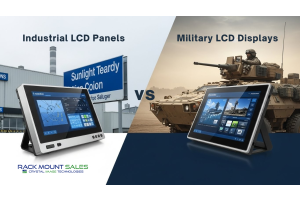
Industrial LCD displays are built for heavy-duty environments like factories, warehouses, and outdoor terminals. They can handle heat, dust, vibration, and long operating hours.
Militarydev411
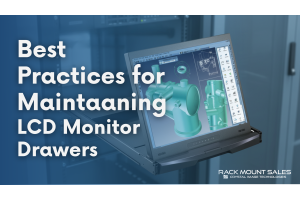
Downtime costs more than most people expect. When LCD monitor drawers fail inside a rack, teams lose access, waste time, and risk bigger hardware issues. Proper care keeps LCD monitordev411
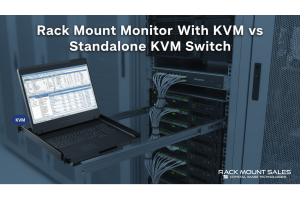
A rack mount monitor with KVM combines display, keyboard, and mouse into a single unit. This all-in-one design lets IT teams access multiple servers without juggling separate devices.dev411
We are so confident you will be satisfied with our products that we offer a 100% satisfaction guarantee


