




24/7 Support
Fast, professional support




















Military computing environments demand equipment that can perform reliably when standard commercial hardware may not be able to keep up. Displays used in command centers, tactical vehicles, mobile systems, communication platforms, and other defense environments often need to withstand vibration, temperature changes, dust, and continuous operation.
This is where military rackmount LCD panels can provide an important advantage. Designed for integration into standardized equipment racks and rugged enclosures, these displays combine space-efficient mounting with features intended for demanding operating conditions.
However, choosing the right display is not simply a matter of selecting the largest screen or highest resolution. Rack compatibility, brightness, durability, connectivity, environmental requirements, and installation conditions all need to be considered.
This guide explains the most important factors to evaluate when selecting a military rackmount LCD panel.
Military rackmount LCD panels are ruggedized display systems designed to be installed in equipment racks, cabinets, consoles, or specialized enclosures used in demanding applications.
Unlike ordinary desktop monitors, rackmount displays are designed around specific mounting requirements. Their chassis can be integrated into a rack system while keeping the display accessible to operators.
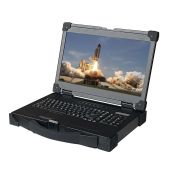
Depending on the application, a military rackmount display may include features such as a rugged metal enclosure, high-brightness LCD, wide viewing angles, multiple video inputs, touchscreen functionality, and resistance to shock and vibration.
The exact specifications vary between systems, so it is important to select a display based on the environment and application rather than assuming every military rackmount LCD panel offers the same level of protection.
A standard office monitor is designed for a relatively controlled environment. It normally operates on a desk, inside a building, with limited exposure to vibration, extreme temperatures, dust, or physical impact.
Military and tactical systems can present very different conditions.
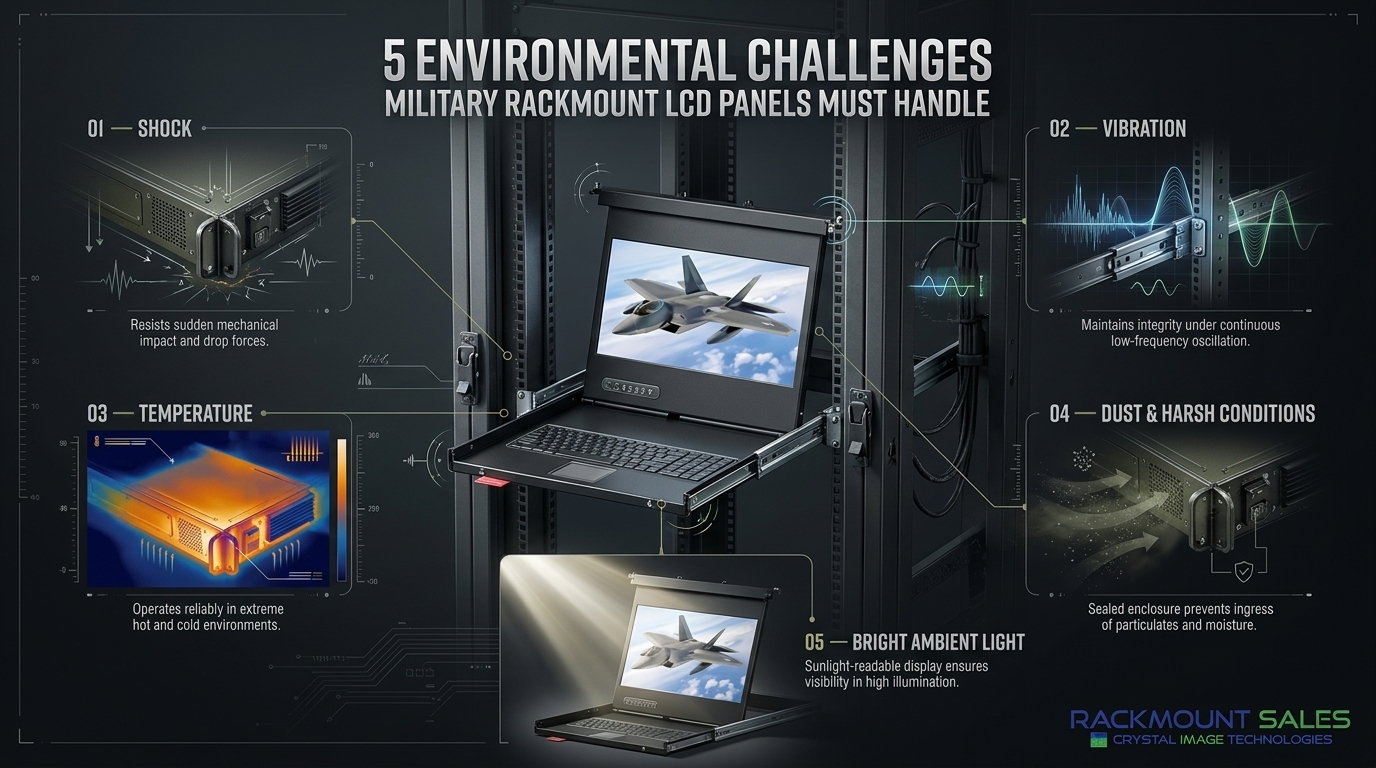
A display installed inside a vehicle, mobile command system, aircraft-related equipment, or field enclosure may experience continuous vibration and mechanical shock. Operators may also need to read information under bright ambient lighting or in changing environmental conditions.
Reliability therefore becomes a critical consideration.
A rugged rackmount LCD can help address these challenges through its mechanical construction and application-specific design. The goal is not simply to make a display stronger. It is to create a display that can remain functional and readable within its intended operating environment. For a closer look at rugged computing hardware used in demanding defense environments, explore military-grade rugged rackmount computers and displays.
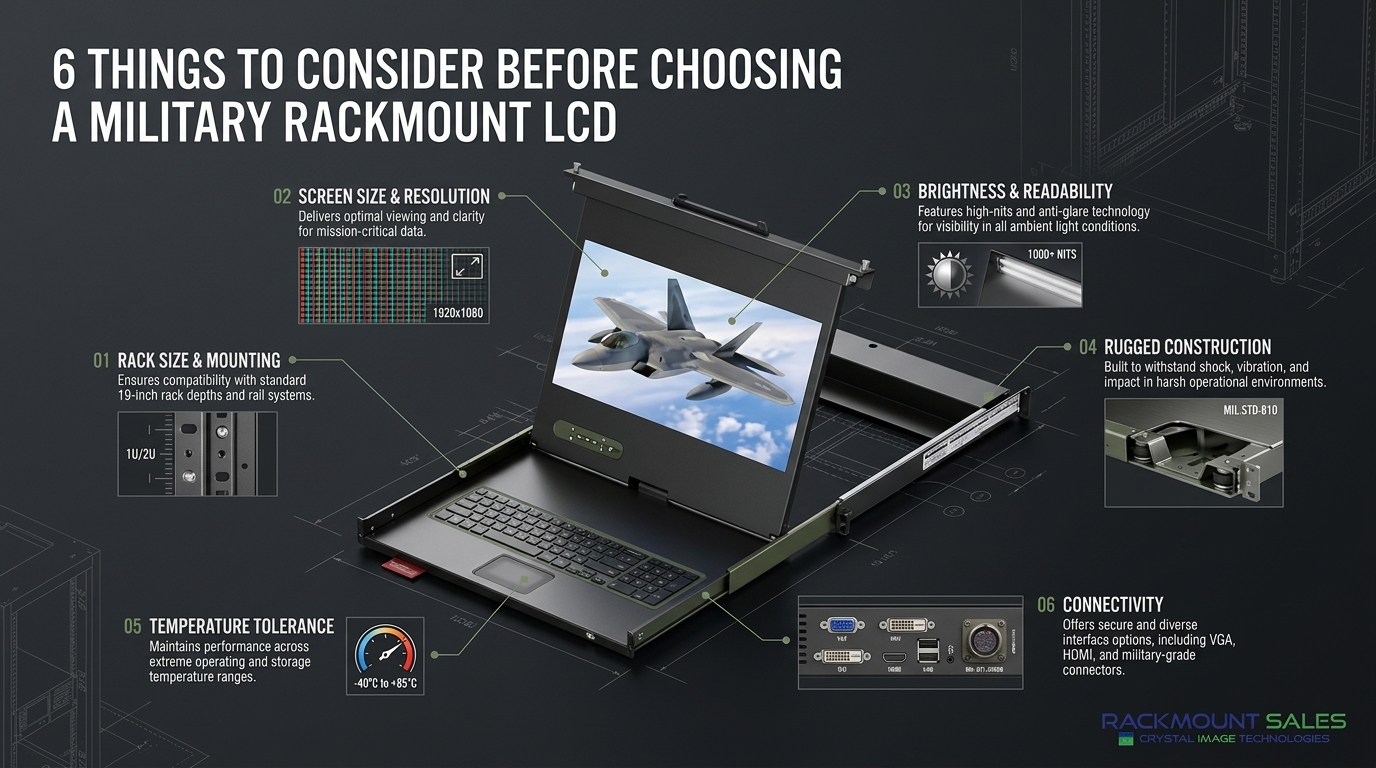
Before comparing display specifications, determine how much rack space is available.
Rackmount equipment commonly uses standardized rack dimensions, but the display's overall height, width, depth, and mounting configuration still need to be checked carefully.
A display that technically fits a rack may still create problems if its chassis extends too far behind the mounting surface or interferes with other equipment.
Consider:
For mobile or vehicle-based systems, mounting stability becomes even more important. The display should be properly secured and installed according to the manufacturer's recommendations.
Screen size should be based on the information operators need to see rather than simply choosing the biggest available panel.
A larger display can make maps, dashboards, video feeds, and complex interfaces easier to view. However, space can be limited in tactical consoles and rack-mounted systems.
Consider how the display will be used.
For example, an operator monitoring several data fields may benefit from a larger screen with higher resolution. A compact control system may require a smaller panel to preserve valuable rack space.
The ideal screen size balances visibility, workspace, rack capacity, and operator requirements.
Resolution determines how much visual information can be displayed and how clearly text, graphics, maps, and other content appear.
Higher-resolution panels can be useful when operators need to examine detailed imagery or work with complex graphical interfaces.
However, resolution should not be considered independently. The computer or video source must support the selected resolution, and the display should have compatible inputs.
When evaluating a military rackmount LCD panel, check:
The right resolution is the one that matches both the application and the connected computing system.
A display can have excellent resolution and still be difficult to use if the screen cannot be seen clearly in its operating environment.
Brightness becomes particularly important for systems exposed to strong ambient lighting. Displays used in mobile platforms or areas with changing lighting conditions may require higher brightness than conventional indoor monitors.
Anti-glare or anti-reflective treatments can also improve readability by reducing distracting reflections.
Viewing angle is another important consideration. If several operators need to see the same display, a wide viewing angle can help maintain image quality when the screen is viewed from different positions.
The objective is simple: critical information should remain clear and readable for the intended users.
The physical construction of the display is one of the most important differences between rugged military displays and ordinary commercial monitors.
A rugged chassis can provide additional protection against mechanical stress. Depending on the design, military rackmount displays may incorporate reinforced enclosures, secure mounting systems, and components selected for demanding environments.
When evaluating rugged construction, look beyond marketing terminology.
Ask what the display is actually designed to withstand.
Important considerations may include:
The appropriate level of ruggedization depends on the actual environment where the display will be installed.
Temperature can have a significant effect on electronic equipment.
A rackmount LCD installed inside a vehicle or enclosed equipment cabinet may experience different temperatures from a monitor used in a climate-controlled office.
Before selecting a display, compare its specified operating temperature range with the expected conditions of the application.
Also consider airflow and heat generation inside the rack. Multiple electronic devices operating close together can increase the temperature around the display.
Good system design should account for:
A display should be selected based on documented specifications rather than assumptions about how it will perform in extreme conditions.
Modern military computing systems can use a variety of video sources. As a result, connectivity should be considered before purchasing a display.
Depending on the application, useful inputs may include HDMI, DisplayPort, DVI, VGA, or other interfaces.
The display should be compatible with the equipment that will provide the video signal.
Also consider whether the system needs multiple inputs. Multiple-input capability can make it easier to switch between different computers, cameras, servers, or other video sources.
Cable placement is equally important in a rack environment. Make sure there is enough rear clearance for connectors and cables without creating excessive strain.
Some military and tactical systems require operators to interact directly with the display.
In these situations, a touchscreen rackmount LCD may be more practical than a conventional monitor.
Touch functionality can be useful for control interfaces, equipment management systems, navigation interfaces, and other applications where fast operator interaction is required.
However, touchscreen technology should not be added simply because it is available.
Consider:
The touchscreen technology should support the application without creating unnecessary complexity.
Power requirements are another important consideration when integrating a display into a specialized rack or mobile platform.
The display should be compatible with the available power system, and the installation should account for power consumption and heat generation.
For systems operating from vehicle or specialized power sources, verify the manufacturer's electrical specifications before installation.
Integration also includes physical and software compatibility. Check dimensions, connectors, mounting hardware, signal formats, and any control interfaces required by the system.
A display that looks suitable on paper may not be appropriate if it creates integration problems elsewhere in the system.
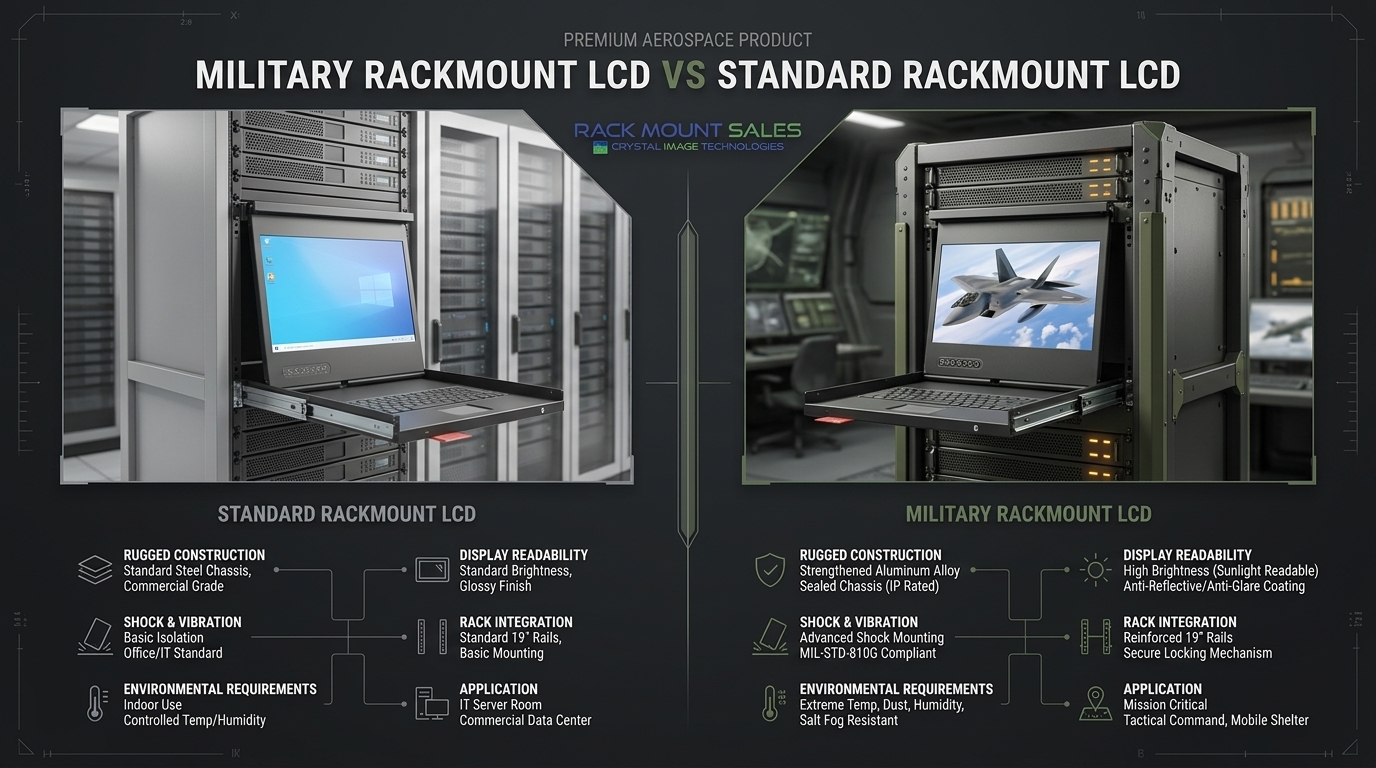
Not every rackmount monitor is designed for military or harsh-environment applications.
Standard rackmount displays may be perfectly suitable for controlled environments such as commercial data centers, server rooms, laboratories, and industrial facilities.
Military applications can require additional considerations.
|
Feature |
Standard Rackmount Display |
Military-Oriented Rackmount Display |
|
Rack mounting |
Yes |
Yes |
|
Rugged construction |
Application dependent |
Typically emphasized |
|
Shock and vibration resistance |
Limited or application dependent |
Often a major design consideration |
|
Environmental requirements |
Usually controlled |
May be designed for demanding conditions |
|
Brightness options |
Varies |
Often selected for specific environments |
|
Customization |
Varies |
May offer application-specific configurations |
The important point is that “rackmount” describes the mounting format, not necessarily the environmental capability. Always review the manufacturer's specifications for the actual requirements of your application.
For a deeper comparison of construction, environmental requirements, and intended applications, see our guide to the differences between industrial and military LCD displays.
Military rackmount LCD panels can be used in many specialized computing environments.
Potential applications include:
Each application can have different requirements. A display used in a stationary command center may have very different environmental demands from one installed inside a moving vehicle.
The best approach is to create a specification checklist before comparing products.
Start by identifying the installation requirements. Determine the rack size, available depth, screen dimensions, and mounting configuration.
Next, identify the environmental requirements. Consider temperature, vibration, shock, dust, lighting, and expected operating conditions.
Then evaluate display specifications such as resolution, brightness, viewing angle, contrast, and touchscreen functionality.
Finally, verify system compatibility. Check video inputs, power requirements, cable connections, physical dimensions, and any other integration requirements. Rackmountsales can help you evaluate these factors when selecting a rackmount display that fits your specific application and operating environment.
This process can prevent an expensive mistake and make it easier to compare different military rackmount LCD panels objectively.
Selecting the right military rackmount LCD panel requires more than choosing a screen that fits inside a rack.
The display needs to match the physical installation, computing hardware, operator requirements, and environmental conditions of the application.
Rack size, screen resolution, brightness, rugged construction, temperature tolerance, connectivity, touchscreen requirements, and power compatibility should all be evaluated before making a decision.
Most importantly, focus on documented specifications and actual operating requirements. A display designed for a controlled industrial environment may not be appropriate for a mobile tactical platform, while a highly ruggedized system may be unnecessary for a protected indoor installation.
By evaluating the complete operating environment first, organizations can select a rackmount LCD solution that provides the right combination of durability, readability, compatibility, and space efficiency.
For specialized defense and rugged computing environments, choosing the right display is not simply about image quality. It is about ensuring that critical information remains accessible when and where it is needed.
Industrial LCD displays are built for heavy-duty environments like factories, warehouses, and outdoor terminals. They can handle heat, dust, vibration, and long operating hours.
Militarydev411

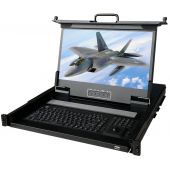
Downtime costs more than most people expect. When LCD monitor drawers fail inside a rack, teams lose access, waste time, and risk bigger hardware issues. Proper care keeps LCD monitordev411
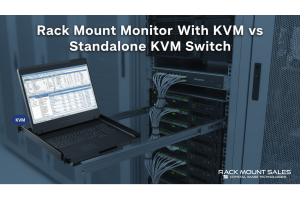
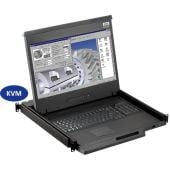
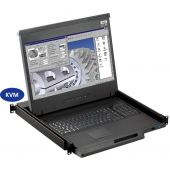
A rack mount monitor with KVM combines display, keyboard, and mouse into a single unit. This all-in-one design lets IT teams access multiple servers without juggling separate devices.dev411
We are so confident you will be satisfied with our products that we offer a 100% satisfaction guarantee


