




24/7 Support
Fast, professional support




















Server rooms are getting denser. IT environments are expanding. And managing multiple servers from separate keyboards and monitors is no longer practical.
That’s where a rackmount KVM switch becomes essential.
But here’s the problem: not all KVM switches are built the same. Choosing the wrong one can lead to compatibility issues, poor video quality, limited scalability, and even downtime during critical operations.
If you’re investing in a KVM witch for a data center, enterprise server room, or IT infrastructure setup, you need to know exactly what features matter most.
In this guide, we’ll break down the first four critical features you must evaluate before making a purchase.
The first and most important decision when choosing a rackmount KVM switch is determining how many servers you need to control.
Each port connects to one server. If you underestimate your port requirements, you’ll quickly outgrow your system. If you overestimate, you may overspend unnecessarily.
Here’s how to think about it:
Best for:
An 8-port rackmount KVM switch is ideal if you manage a limited number of servers but want centralized control.
Best for:
A 16-port KVM switch is one of the most popular choices because it balances scalability and cost. It provides room for growth without immediately jumping into enterprise-level pricing.
Best for:
If you manage multiple racks or expect rapid expansion, a 32-port rackmount KVM switch gives you long-term flexibility.
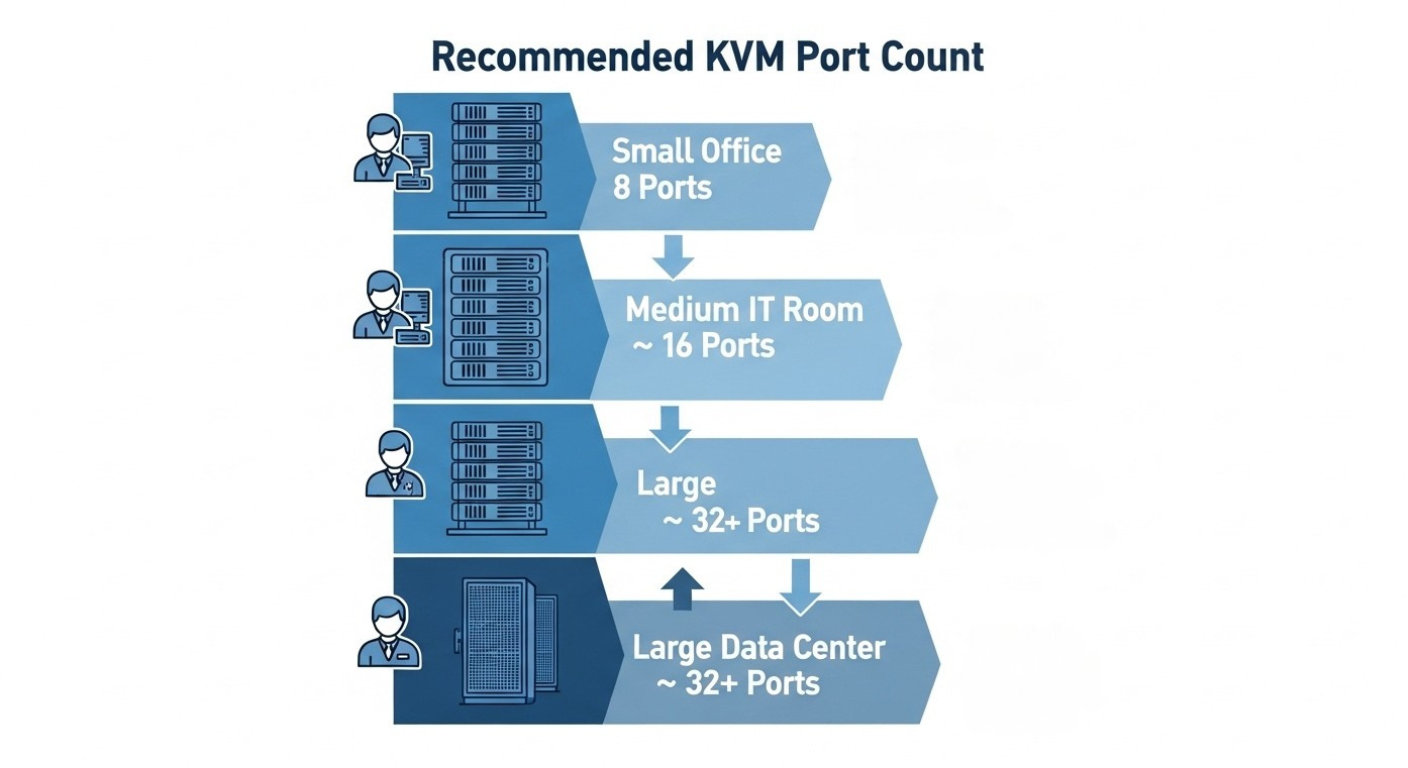
Always factor in future expansion. If you currently operate 12 servers, a 16-port model may be the smarter long-term investment than an 8-port option.
Port count is not just about today’s needs; it’s about avoiding unnecessary upgrades tomorrow.
Video clarity is often overlooked until it becomes a problem.
If you’re managing BIOS settings, troubleshooting servers, or configuring high-resolution systems, resolution support matters significantly.
As server hardware evolves and high-resolution monitors become standard, 4K KVM switches are increasingly preferred in enterprise environments.
If your infrastructure includes modern GPUs, high-end workstations, or advanced monitoring systems, investing in a 4K 60Hz rackmount KVM switch ensures long-term compatibility.
Low-resolution support in a high-resolution environment creates bottlenecks and IT professionals cannot afford display limitations during mission-critical operations.
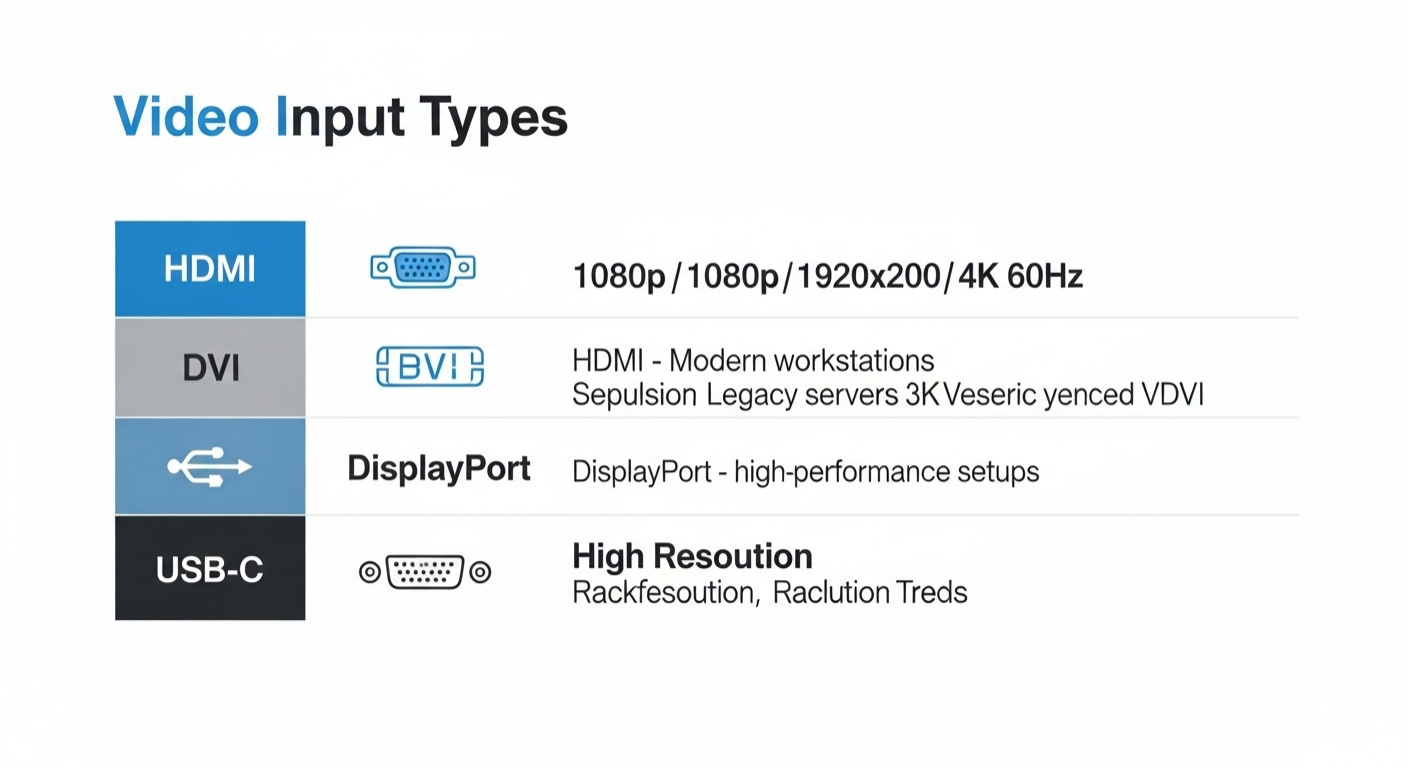
One of the biggest mistakes buyers make is ignoring video input compatibility.
Your KVM switch must match the video output ports of your servers and workstations.
Let’s break down the most common types:
If you manage older infrastructure, VGA support may still be necessary.
DVI-D models are often used where digital clarity is needed but HDMI or DisplayPort isn’t available.
HDMI is one of the most versatile and future-proof options available.
DisplayPort is often used in enterprise-grade and graphics-intensive environments.
USB-C simplifies cable management and is ideal for newer IT ecosystems.
Before purchasing, audit your entire rack’s video outputs. Mixing HDMI, DisplayPort, and VGA without proper planning can result in costly compatibility issues.
Choosing a KVM switch with the correct video input ensures seamless integration and eliminates unexpected downtime.
In server environments, space equals money.
A rackmount KVM switch must integrate cleanly into your existing rack system without wasting valuable U space.
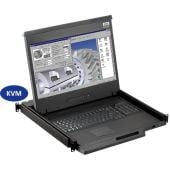
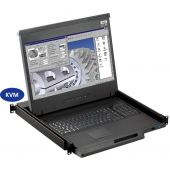
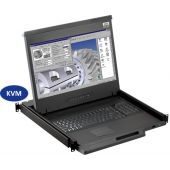
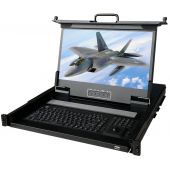
Many IT managers prefer rackmount KVM switches with built-in LCD consoles (commonly 17-inch displays). These slide-out units allow administrators to manage servers directly from the rack without requiring external monitors.
If you operate in high-density racks, compact and well-ventilated designs prevent overheating and maintain airflow integrity.
Poorly designed rack equipment complicates cable routing and airflow. A well-designed rackmount KVM solution keeps your infrastructure organized and efficient.
Remember: neat racks are easier to maintain and faster to troubleshoot.
When controlling servers over longer distances, standard direct cabling is not always practical. That’s where Cat5 and Cat6 KVM switches come into play.
These switches use Ethernet cables (Cat5e or Cat6) to transmit keyboard, video, and mouse signals between the console and connected servers.
This allows for:
Best for:
Cat5-based systems are reliable and cost-effective for many traditional environments.
Best for:
Cat6 offers improved shielding and performance, making it the better long-term investment for modern IT infrastructure.
If you’re building new infrastructure or upgrading existing systems, Cat6 KVM switches provide better signal integrity and future-proofing.
For shorter distances and stable environments, Cat5 may still be sufficient.
The key is matching cable performance with your operational demands.
One of the most powerful features in modern rackmount KVM switches is the KVM over IP capability.
This feature allows administrators to access and control servers remotely through a secure network connection, even at the BIOS level.
Unlike software-based remote desktop tools, KVM over IP works independently of the operating system. That means you can manage servers during boot-up, crashes, or system failures.
If remote access is part of your operational strategy, a KVM over IP switch is one of the smartest investments you can make.
Not every IT environment operates with a single administrator.
Multi-user rackmount KVM switches allow multiple administrators to access different servers simultaneously.
In busy data centers, waiting for console access slows down troubleshooting and maintenance.
With multi-user functionality, different team members can:
This dramatically improves productivity and reduces downtime.
If you manage:
Multi-user KVM capability becomes a performance advantage rather than a luxury.
In high-density racks, external monitors take up unnecessary space.
That’s why many IT professionals prefer rackmount KVM switches with built-in LCD consoles.
For smaller server rooms or branch offices, an LCD rackmount KVM switch creates a self-contained control station directly inside the rack.
If minimizing physical clutter and maximizing rack efficiency is a priority, an integrated LCD console solution can significantly streamline operations.
Security is no longer optional in modern IT environments.
If your rackmount KVM switch includes remote access or KVM over IP functionality, strong security controls are absolutely critical.
A KVM switch provides low-level access to your servers — including BIOS-level control. If compromised, it could allow unauthorized access to your entire infrastructure.
Enterprise-grade rackmount KVM switches include encrypted connections and strict user controls to prevent breaches.
If you operate in:
Security should be a top priority when evaluating your options.
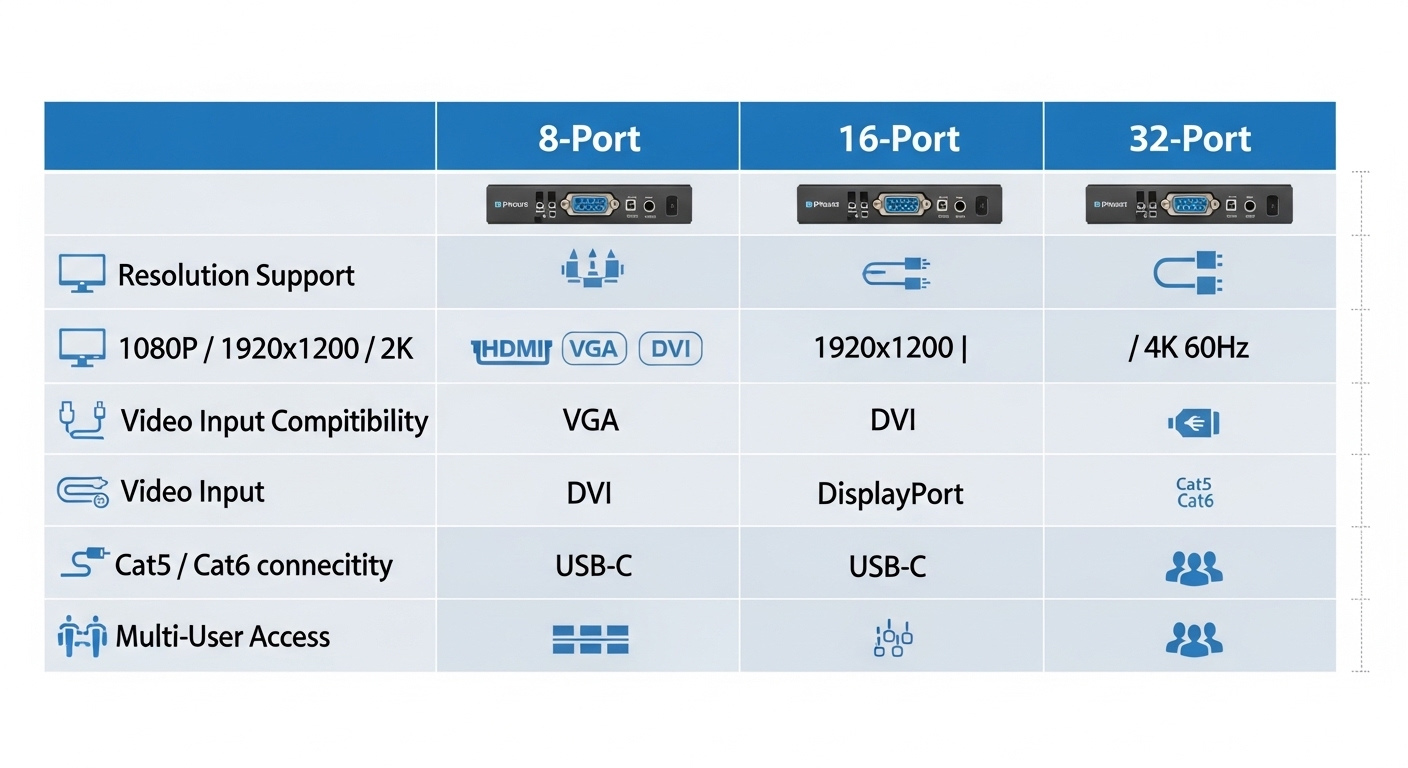
Your infrastructure will grow. The real question is whether your KVM solution can grow with it.
Scalability is one of the most overlooked buying factors.
Daisy chaining allows you to connect multiple KVM switches together to expand the number of controllable servers without replacing your original unit.
For example:
Without scalability, you may need to:
A scalable rackmount KVM switch protects your investment and reduces long-term costs.
Always ask:
Planning for growth today prevents expensive replacements tomorrow.
In server environments, hardware reliability is everything.
A rackmount KVM switch is not consumer electronics; it’s infrastructure equipment.
Cheap construction may reduce upfront cost, but it increases the risk of:
In data centers and enterprise IT environments, downtime is far more expensive than the cost difference between entry-level and premium equipment.
Reliability should never be compromised.
Even experienced IT buyers sometimes overlook critical details.
Here are the most common mistakes:
Buying an 8-port switch when growth requires 16 or 32 ports.
Purchasing a 1080p KVM switch in a 4K environment.
Mixing HDMI, VGA, and DisplayPort without proper planning.
Especially risky when using KVM over IP functionality.
Lower-cost models often sacrifice scalability, security, or build quality.
Avoiding these mistakes ensures you choose a solution that performs reliably for years.
Before making your final decision, confirm the following:
✔ The port count supports current and future servers
✔ Resolution matches your display environment
✔ Video inputs are compatible with all connected systems
✔ Cat5 or Cat6 cabling fits your layout
✔ Remote access (if needed) includes strong encryption
✔ Multi-user support aligns with your team size
✔ The unit supports expansion or daisy chaining
✔ Build quality is enterprise-grade
✔ Rackmount form factor fits your cabinet layout
If you can confidently check all of these boxes, you’re selecting a rackmount KVM switch built for performance and longevity.
Choosing the right rackmount KVM switch is ultimately about aligning technology with your operational goals. From port count and resolution support to remote access, scalability, and enterprise-grade security, every feature plays a role in maintaining uptime and simplifying server management. A well-selected solution from Rackmountsales.com centralizes control, reduces complexity, and ensures your IT team can respond quickly to issues without unnecessary disruption.
When you invest in a rackmount KVM switch built for performance, security, and future growth, you’re not just buying hardware; you’re strengthening the backbone of your infrastructure. Evaluate your current needs, plan for expansion, and prioritize reliability. The right decision today will deliver efficiency, flexibility, and long-term value for years to come.
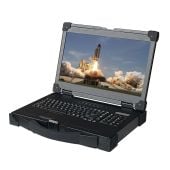
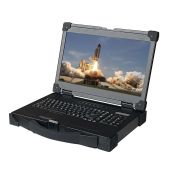
Industrial LCD displays are built for heavy-duty environments like factories, warehouses, and outdoor terminals. They can handle heat, dust, vibration, and long operating hours.
Militarydev411
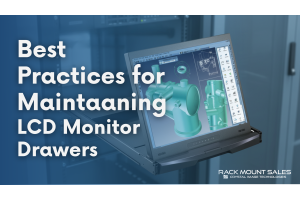
Downtime costs more than most people expect. When LCD monitor drawers fail inside a rack, teams lose access, waste time, and risk bigger hardware issues. Proper care keeps LCD monitordev411
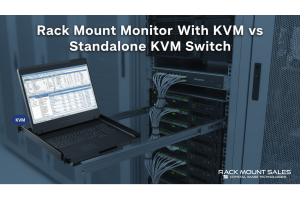
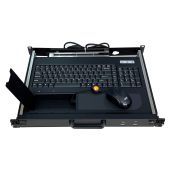
A rack mount monitor with KVM combines display, keyboard, and mouse into a single unit. This all-in-one design lets IT teams access multiple servers without juggling separate devices.dev411
We are so confident you will be satisfied with our products that we offer a 100% satisfaction guarantee


