




24/7 Support
Fast, professional support




















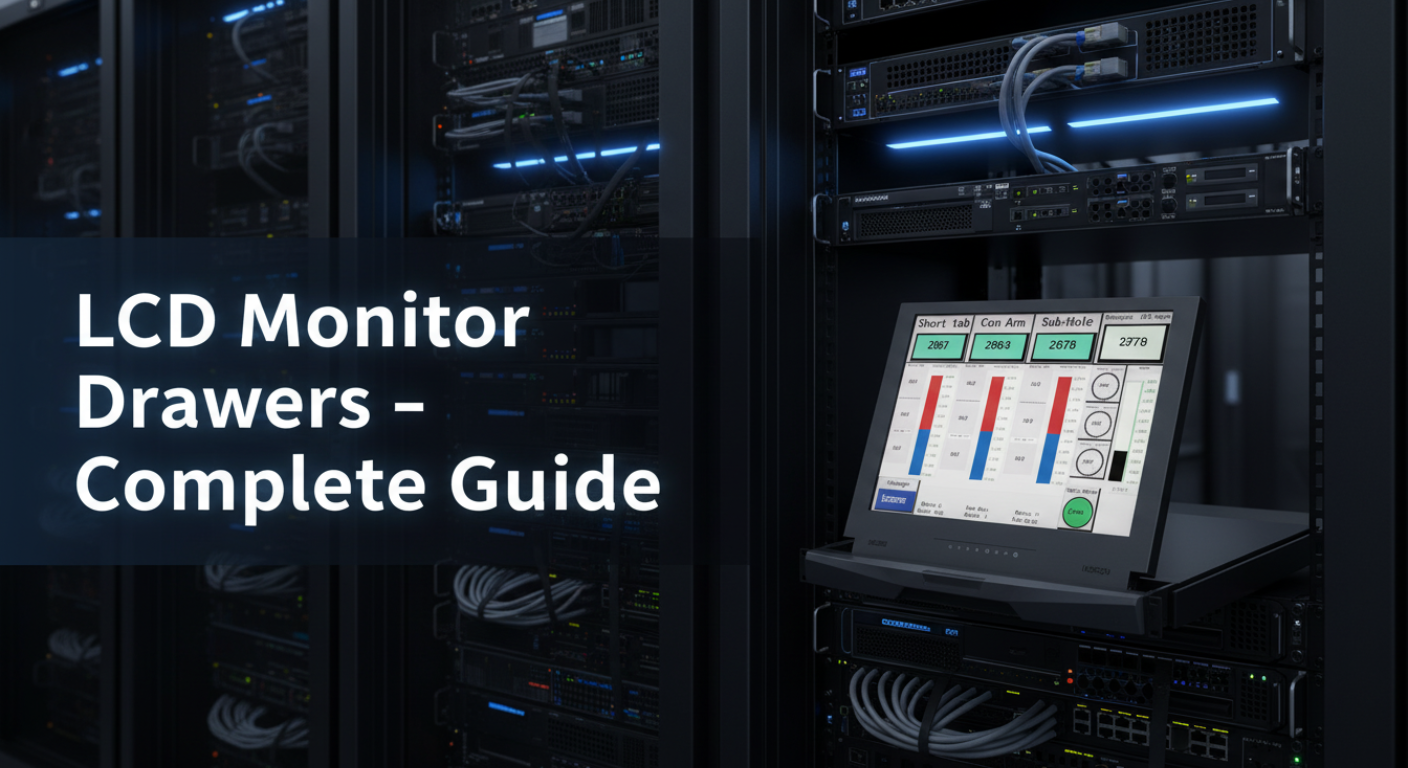
Space is the biggest challenge inside any server rack. Every inch matters. This is where LCD Monitor Drawers change the game.
Instead of placing a separate monitor, keyboard, and mouse outside the rack, a rackmount LCD monitor drawer combines everything into one compact unit. It slides out when needed and folds back in when not in use. This simple design saves space, reduces clutter, and keeps your setup clean and professional.
For IT teams managing multiple servers, speed and accessibility are critical. A rackmount LCD monitor drawer allows quick access to systems without moving between different consoles. You can control multiple servers from a single point, especially when paired with a KVM switch.
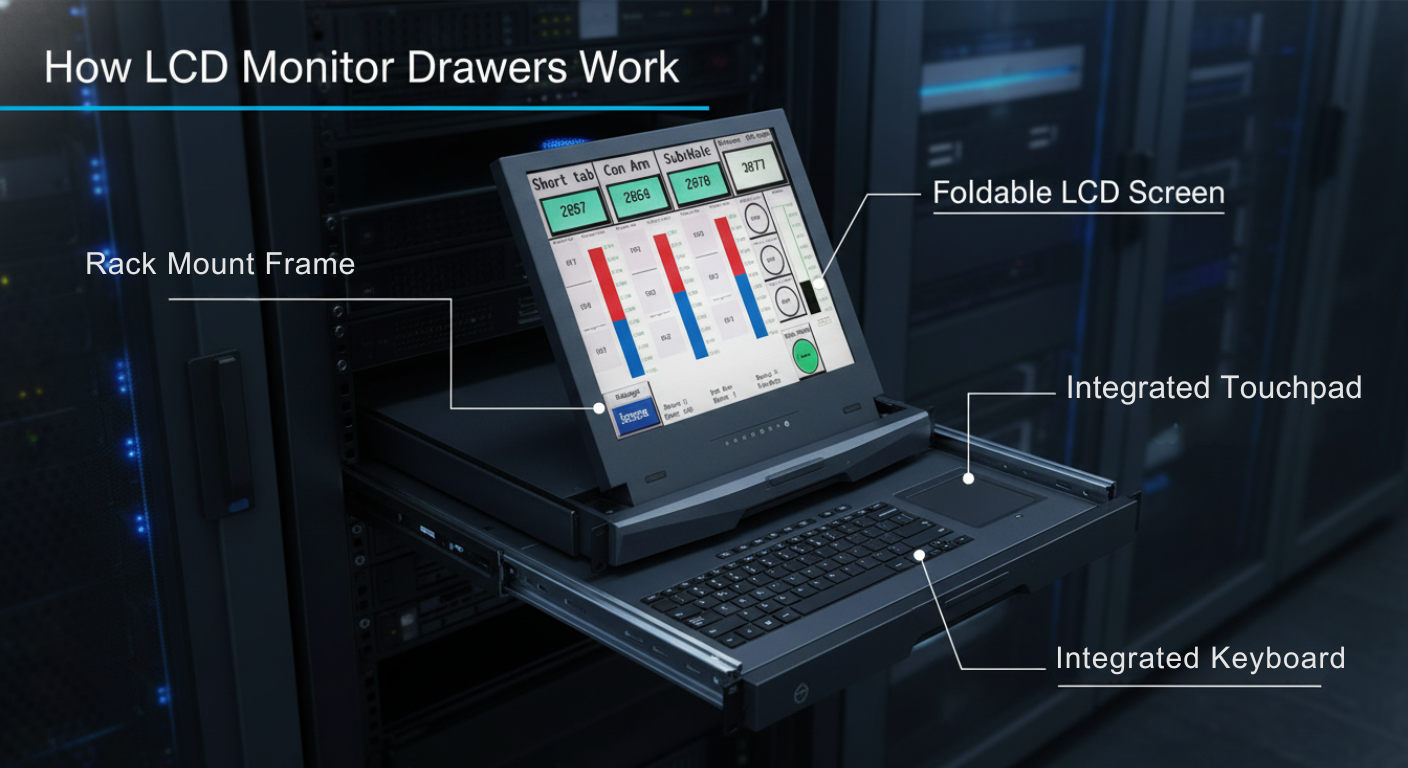
LCD monitor drawers are designed to fit inside a standard server rack, usually occupying 1U or 2U of space. The unit stays neatly stored inside the rack until you need it.
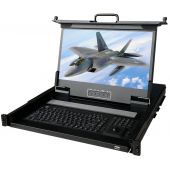
When access is required, you simply pull the drawer out. The monitor lifts up into position, and the keyboard and touchpad become ready to use. After finishing your task, you fold the screen down and slide the unit back inside.
This smooth sliding system ensures minimal effort while maximizing functionality.
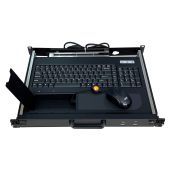
Most LCD drawers come with a built-in keyboard and touchpad. This removes the need for external peripherals, which often create cable mess and take up extra space.
The keyboard is compact but fully functional, designed for professional use. The touchpad replaces the mouse, making the entire system self-contained.
This design is especially useful in tight server rooms where space and organization are critical.
One of the most powerful features of modern LCD monitor drawers is KVM integration.
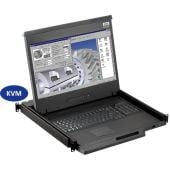
A KVM (Keyboard, Video, Mouse) switch allows you to control multiple servers using a single console. When combined with an LCD drawer, it becomes a centralized control system for your entire rack.
Instead of connecting separate monitors to each server, you can switch between systems instantly. This saves time, reduces hardware costs, and simplifies management.
For advanced setups, KVM LCD drawers can support remote access, allowing administrators to control systems even from a different location.
The biggest advantage of LCD monitor drawers is their compact size. Many models fit into just 1U of rack space.
This means you can install more servers or equipment without expanding your rack. In environments where rack space is expensive, this is a major benefit.
The screen folds down when not in use, protecting it from dust and damage. This also keeps the rack looking clean and organized.
When opened, the display provides clear visibility, often with high-resolution support for detailed monitoring.
Loose cables can quickly turn a server rack into a mess. LCD drawers reduce cable clutter by integrating all components into one unit.
This improves airflow, reduces the risk of accidental disconnections, and makes maintenance easier.
Most rackmount LCD monitor drawers are built for demanding environments. They use strong materials like steel or aluminum and are designed to handle continuous use.
This makes them suitable for data centers, industrial facilities, and even military-grade applications.
With everything in one place, managing servers becomes faster and more efficient. You don’t need to move between different systems or setups.
This centralized approach reduces downtime and helps IT teams respond quickly to issues.
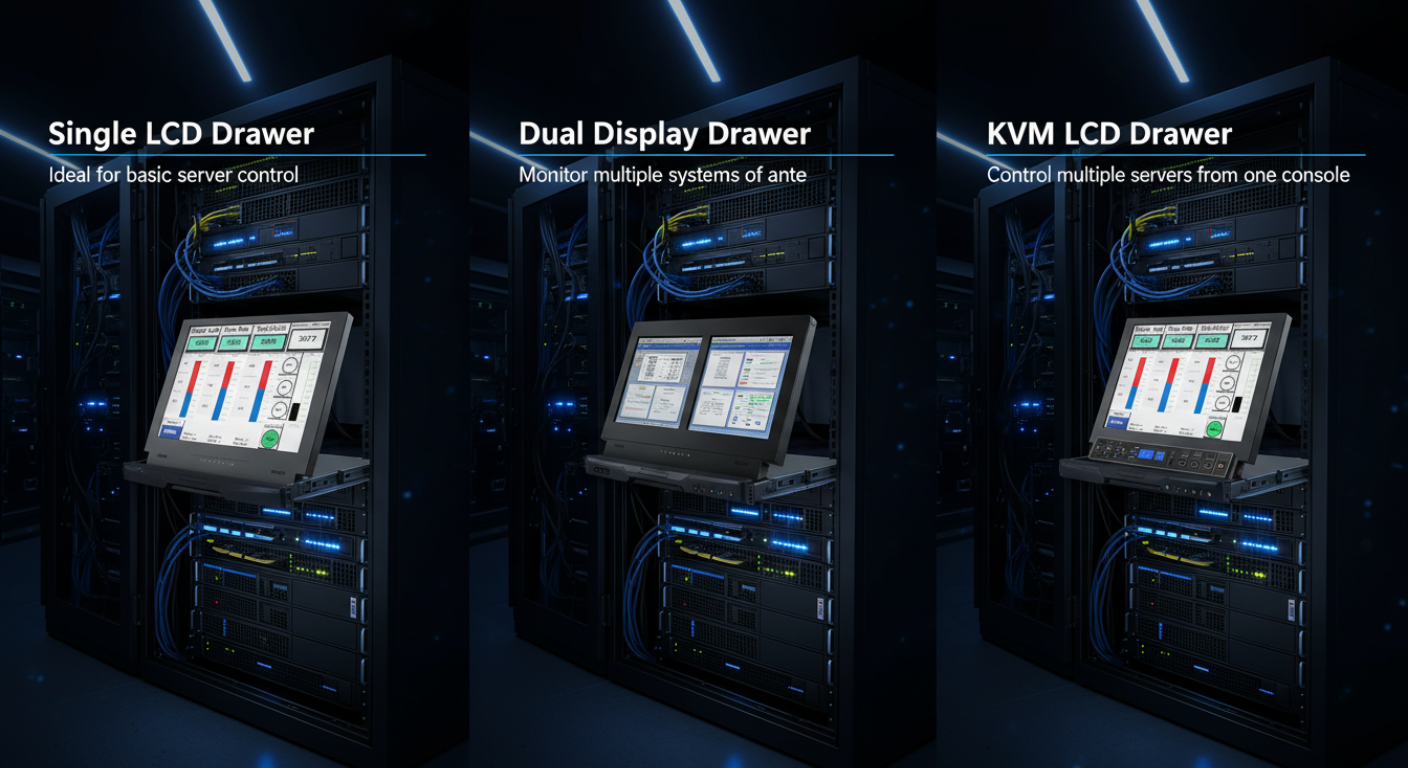
This is the most common type. It includes one screen, a keyboard, and a touchpad.
It is ideal for standard server management tasks and works well in most IT environments.
For advanced workflows, dual or triple display drawers offer multiple screens in one unit.
These are useful for monitoring multiple systems at once, comparing data, or running complex operations.
They are often used in network operation centers and high-level monitoring environments.
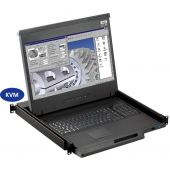
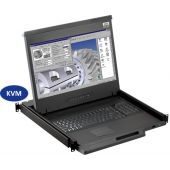
A KVM LCD drawer includes a built-in KVM switch. This allows you to control multiple servers without needing a separate device.
It is a powerful solution for managing large infrastructures efficiently.
This type focuses on combining a monitor and input devices into a single sliding unit. It may or may not include KVM functionality.
It is a flexible option for setups that already use external KVM switches.
At first glance, LCD monitor drawers and rackmount monitors may seem similar, but they serve different purposes.
A rackmount monitor is a fixed display. It stays visible at all times and does not include a keyboard or touchpad.
An LCD monitor drawer, on the other hand, is a complete console solution. It includes a screen, keyboard, and pointing device, all packed into a sliding drawer.
If your goal is space efficiency and centralized control, LCD monitor drawers are the better choice. If you only need a display, a rackmount monitor may be enough.
LCD monitor drawers are designed for professionals who manage complex systems.
They are ideal for:
Anyone who needs efficient, organized, and space-saving server management can benefit from using LCD monitor drawers.
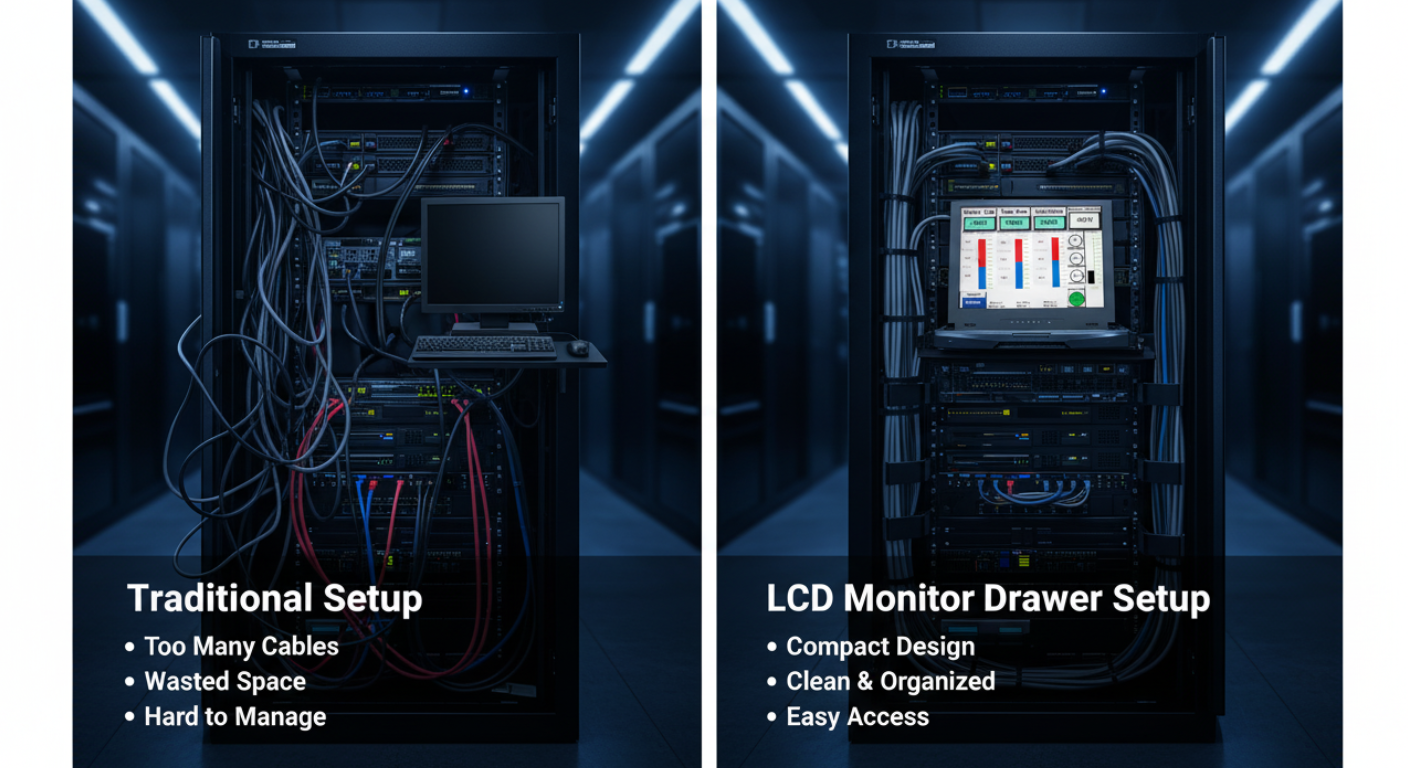
Speed and organization decide how well a data center performs. LCD Monitor Drawers help both.
With a single sliding console, teams can access any server in seconds. There is no need to hunt for spare monitors or plug in temporary keyboards. Everything is already in place.
Key efficiency gains include:
In busy environments, even small time savings add up. Over weeks and months, a rackmount LCD monitor drawer can save hours of manual work.
Not all drawers are the same. The right choice depends on your rack, workload, and budget.
Pick a screen that matches your work. For basic server checks, a standard HD display is enough. For detailed monitoring or graphics, go for higher resolution.
A 17" or 19" display is common in most racks. Larger screens give more clarity but may take extra space.
Space is valuable. A 1U LCD monitor drawer is compact and works for most setups. If you need a bigger screen or more features, a 2U unit may be better.
Always check your rack layout before buying.
If you manage multiple servers, KVM support is a must. A KVM LCD drawer lets you switch between systems without extra hardware.
Check how many ports you need now and in the future. Planning ahead avoids upgrades later.
Look for strong materials like steel or aluminum. Good rails and hinges matter because the unit will be used often.
In harsh environments, choose an industrial-grade model designed for heat, dust, and vibration.
Make sure the drawer supports your ports:
Modern setups should support both new and older connections when possible.
Buying the wrong drawer can slow down your workflow instead of improving it.
Avoid these common mistakes:
A few extra minutes of planning can save you from costly mistakes.
Proper installation ensures smooth operation and long life.
Start with correct rack alignment. The rails must sit evenly on both sides. If they are misaligned, the drawer will not slide properly.
Plan your cables before mounting the unit. Route them neatly to avoid tangles and ensure good airflow.
Keep ventilation in mind. Do not block air paths inside the rack. Heat buildup can affect both the drawer and your servers.
After installation, test the drawer several times. Open and close it fully to ensure smooth movement. Check all connections and confirm the display works correctly.
For most professional setups, the answer is yes.
An LCD monitor drawer for server rack reduces clutter, improves access, and speeds up daily tasks. It also lowers the need for extra monitors and peripherals.
The upfront cost may seem high, but the long-term value is clear. Better efficiency means less downtime and faster response to issues.
In environments where time and reliability matter, this investment pays for itself.
If you want to explore reliable options, you can visit rackmountsales.com to see different rackmount LCD monitor drawer configurations designed for professional use.
A well-optimized server rack is not just about saving space; it’s about improving how your entire system performs under pressure. LCD Monitor Drawers bring structure, speed, and simplicity into environments where every second matters. By combining a display, keyboard, and control interface into a single compact unit, they eliminate clutter and give IT teams instant access to critical systems. This leads to faster troubleshooting, better organization, and a smoother workflow across the board.
If you’re serious about building a clean, efficient, and scalable setup, investing in the right rackmount solution is a smart move. Whether you’re upgrading an existing infrastructure or designing a new one, choosing the right hardware makes all the difference. Explore professional-grade options at rackmountsales and find LCD monitor drawers designed to meet real-world demands with reliability and performance.
It is used to control and monitor servers directly from a rack. It combines a screen, keyboard, and touchpad in one sliding unit.
A rackmount LCD drawer is a console that fits inside a server rack. It slides out when needed and stores neatly when not in use.
Yes, most models include a built-in keyboard and touchpad. This makes them a complete console solution.
A 1U model works for most setups. Choose 2U if you need a larger display or extra features.
KVM LCD drawers are better for multi-server environments. They allow you to switch between systems using one console.
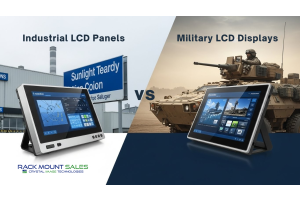
Industrial LCD displays are built for heavy-duty environments like factories, warehouses, and outdoor terminals. They can handle heat, dust, vibration, and long operating hours.
Militarydev411

Downtime costs more than most people expect. When LCD monitor drawers fail inside a rack, teams lose access, waste time, and risk bigger hardware issues. Proper care keeps LCD monitordev411
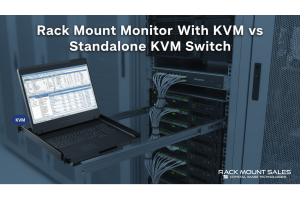
A rack mount monitor with KVM combines display, keyboard, and mouse into a single unit. This all-in-one design lets IT teams access multiple servers without juggling separate devices.dev411
We are so confident you will be satisfied with our products that we offer a 100% satisfaction guarantee


