




24/7 Support
Fast, professional support




















Industrial LCD panels are designed to operate in environments where standard consumer displays may struggle. They can be installed in factories, control rooms, transportation systems, outdoor equipment, automation machinery, and other demanding applications. However, even a rugged industrial display has temperature limits.
Understanding these temperature requirements is important when selecting an industrial LCD panel. A display that works reliably in a controlled office may experience slow response times, image problems, reduced brightness, or even permanent damage when exposed to extreme heat or cold.
Temperature ratings provide a useful way to determine whether an LCD panel is suitable for a particular environment. They also help system designers understand how the display should be installed, ventilated, and protected.
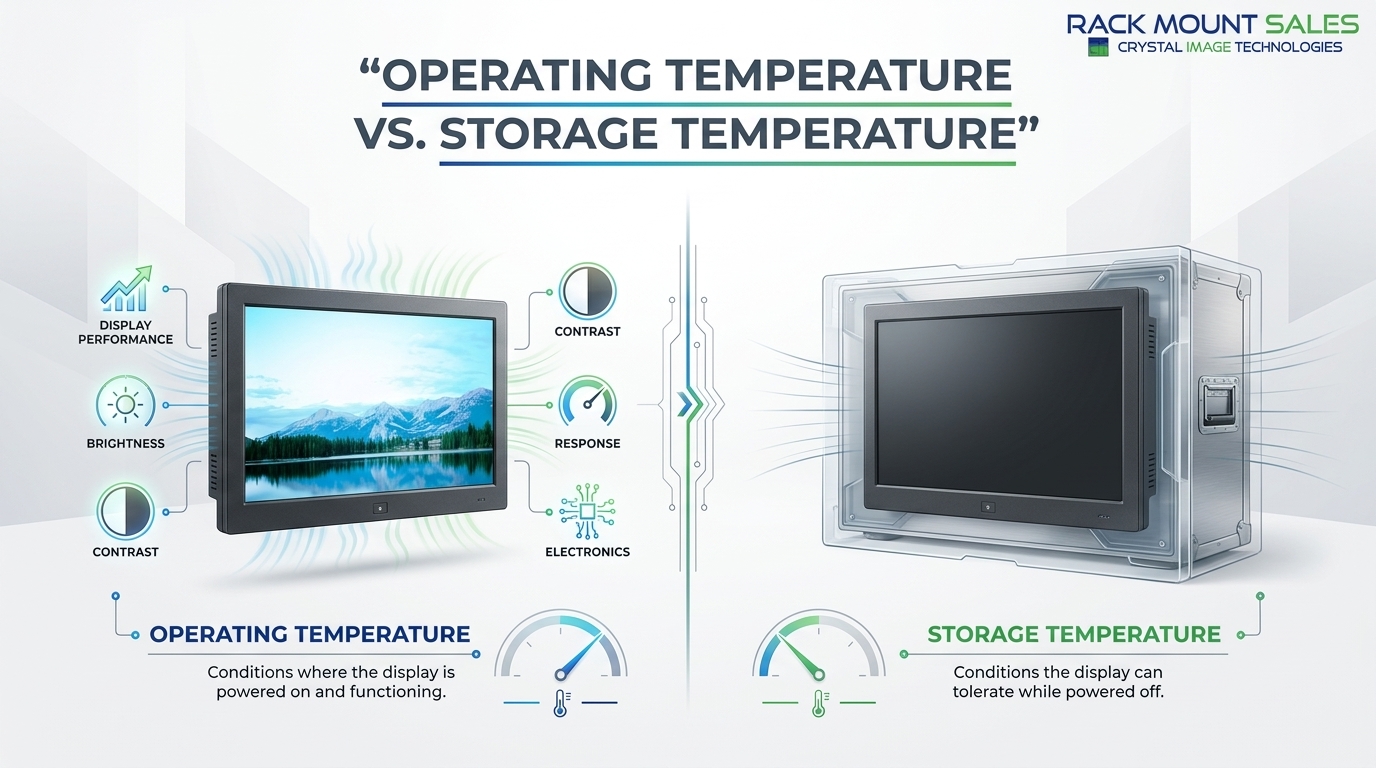
Temperature requirements describe the range of environmental conditions in which an industrial LCD panel can operate reliably. Manufacturers normally specify two important ratings: operating temperature and storage temperature.
The operating temperature range refers to the temperatures in which the display is designed to function while powered on and in use.
The storage temperature range refers to the temperatures the display can withstand while it is switched off and stored or transported.
These two specifications are not interchangeable. A panel may tolerate a much wider temperature range during storage than during normal operation.
Industrial LCD panels are available with different temperature ratings depending on their construction and intended application. A panel designed for a climate-controlled facility may have different requirements from one intended for outdoor equipment or industrial machinery.
Understanding the difference between these ratings is essential when choosing an industrial LCD panel.
Operating temperature is the most important rating for an application where the display will remain powered on for extended periods.
For example, if a display is installed inside industrial machinery located in a hot production facility, the internal temperature around the panel must remain within its specified operating range.
Operating outside the rated range can affect:
Storage temperature describes conditions the panel can withstand while it is not operating.
This specification becomes particularly important during shipping, warehousing, and equipment installation. A display may be exposed to very high or low temperatures while being transported, even though its normal operating environment is considerably more controlled.
Always check both specifications rather than assuming that the storage range represents the temperature range for normal operation.
Temperature can directly influence how an LCD panel performs.
An LCD contains liquid crystal material and electronic components that respond to environmental conditions. When temperatures move outside the panel's intended operating range, these components may not behave as expected.
In high-temperature environments, excessive heat can place additional stress on electronic components and may reduce the service life of the display. In cold environments, LCD response can become slower, potentially affecting how quickly images update.
For industrial applications, this matters because displays are often used for monitoring machinery, viewing system status, reading measurements, or controlling equipment. A display that becomes unreliable under temperature extremes can affect the usability of the entire system.
High temperatures are a common concern in industrial environments.
Factories and production facilities can generate substantial heat from motors, furnaces, machinery, lighting, and other equipment. When a display is installed inside an enclosure, the temperature around the panel may also be higher than the ambient room temperature.
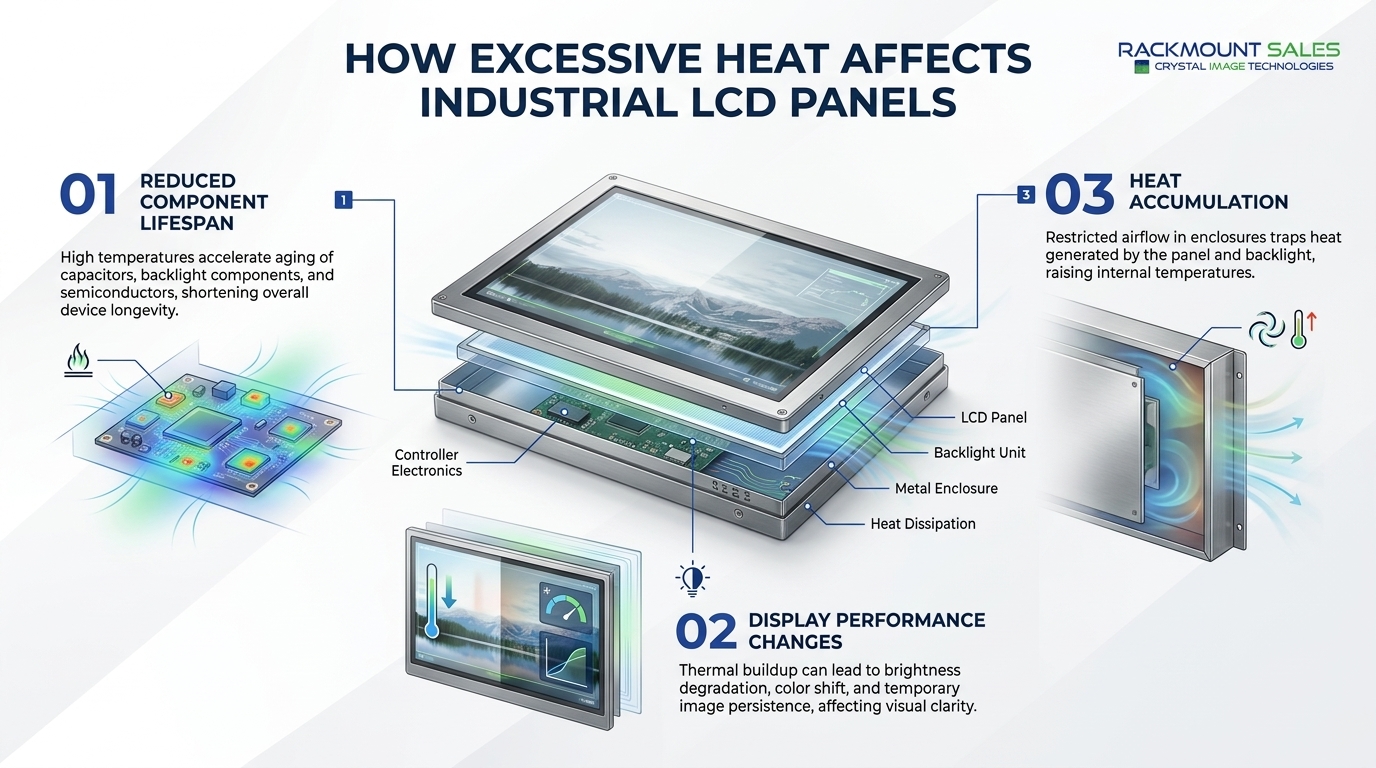
Excessive heat can contribute to several problems.
Electronic components generally experience greater thermal stress at elevated temperatures. Continuous exposure to excessive heat can shorten component life and increase the likelihood of failures.
Heat can affect display characteristics such as brightness, contrast, and image stability. The exact effect depends on the LCD technology and the panel's design.
An industrial LCD installed inside an enclosed cabinet may have limited airflow. Heat generated by the display and nearby electronics can accumulate if ventilation is inadequate.
For this reason, temperature specifications should be evaluated based on the actual installation environment rather than simply the room temperature.
Cold environments create a different set of challenges.
When temperatures drop significantly, the liquid crystal material can respond more slowly. This may cause slower image transitions or reduced responsiveness.
For equipment installed outdoors, in refrigerated facilities, transportation systems, or other cold environments, a standard commercial LCD may not be suitable.
Industrial panels designed for wider temperature ranges can be a better option because their components and materials are selected to operate under more demanding conditions.
However, the manufacturer's specified operating temperature should always be checked before installation.
Several design factors influence the temperature capabilities of an industrial LCD panel.
The type of LCD technology used in the panel can influence its behavior at different temperatures. Manufacturers may select specific components and materials to improve performance across a wider environmental range.
The controller board, power supply, backlight system, and other electronics all have their own operating limits.
A display is only as reliable as its weakest temperature-sensitive component. This is why the complete panel specification matters rather than focusing only on the LCD itself.
LED backlights generate heat during operation. Their design, power consumption, and thermal characteristics can influence the overall temperature inside the display assembly.
The enclosure surrounding an industrial LCD can affect heat dissipation. Metal housings may help transfer heat away from internal components, while poorly ventilated enclosures can allow heat to accumulate.
Some industrial systems rely on passive heat dissipation, while others may require forced airflow or additional cooling depending on the application.
The correct approach depends on the operating environment and the thermal load of the complete system.
To better understand the construction choices behind these displays, it is useful to examine how industrial LCD panels are built for harsh conditions, including the materials, components, and protective features used in demanding environments.
Thermal management is an important consideration when an LCD panel is installed in a demanding environment.
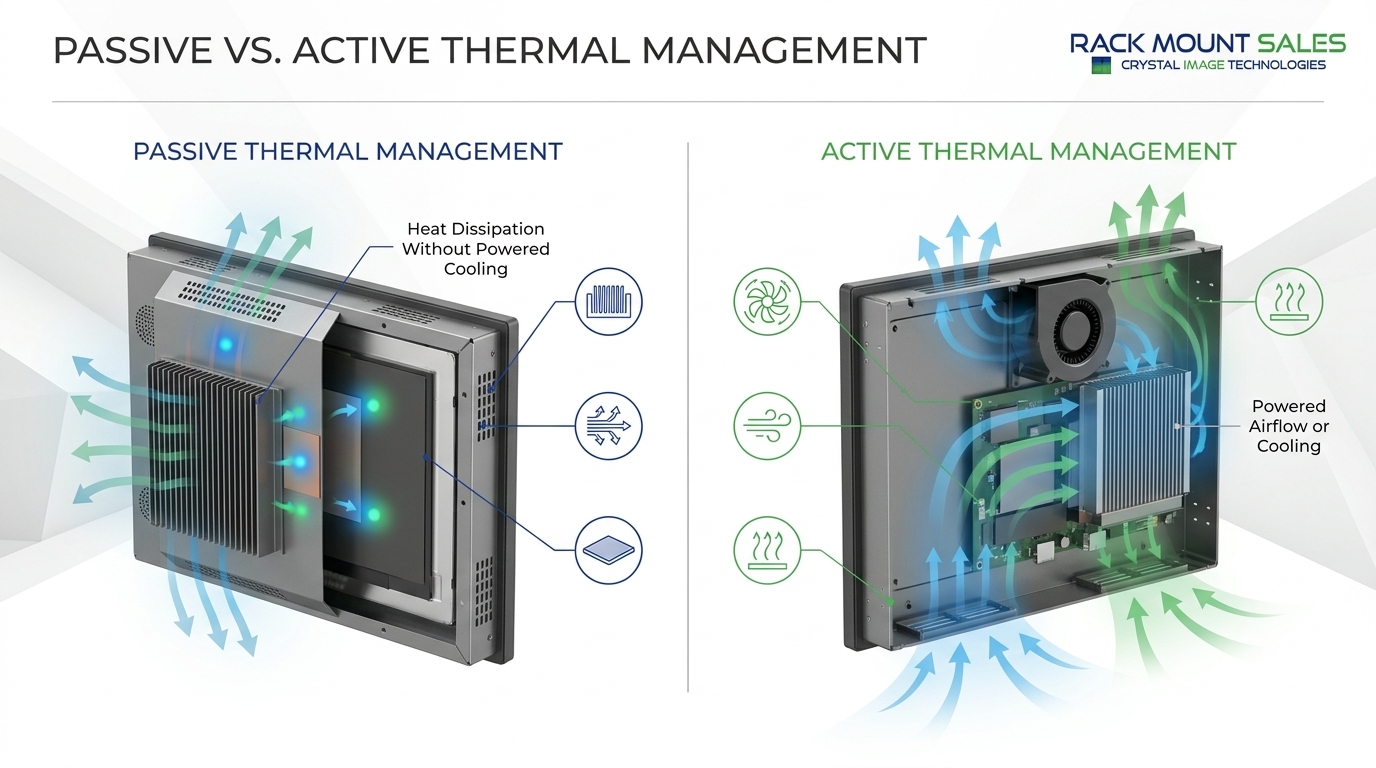
Passive thermal management relies on design features that dissipate heat without fans or other powered cooling systems.
Examples include:
Passive cooling is attractive because it can reduce moving parts and maintenance requirements.
Active thermal management uses powered components to move or remove heat.
Depending on the system, this can include fans, blowers, air-conditioning systems, or other cooling solutions.
Active cooling may be useful when the surrounding environment is particularly hot or when several heat-generating components are installed within the same enclosure.
The goal is not simply to cool the LCD panel itself. The entire system should be evaluated to prevent excessive heat accumulation.
The installation environment can be just as important as the display's specifications.
Consider two identical industrial LCD panels. One may be installed in an open control room with good airflow, while the other is mounted inside a sealed cabinet next to heat-generating equipment.
Although both installations have the same ambient temperature, the internal temperature around the second display may be significantly higher.
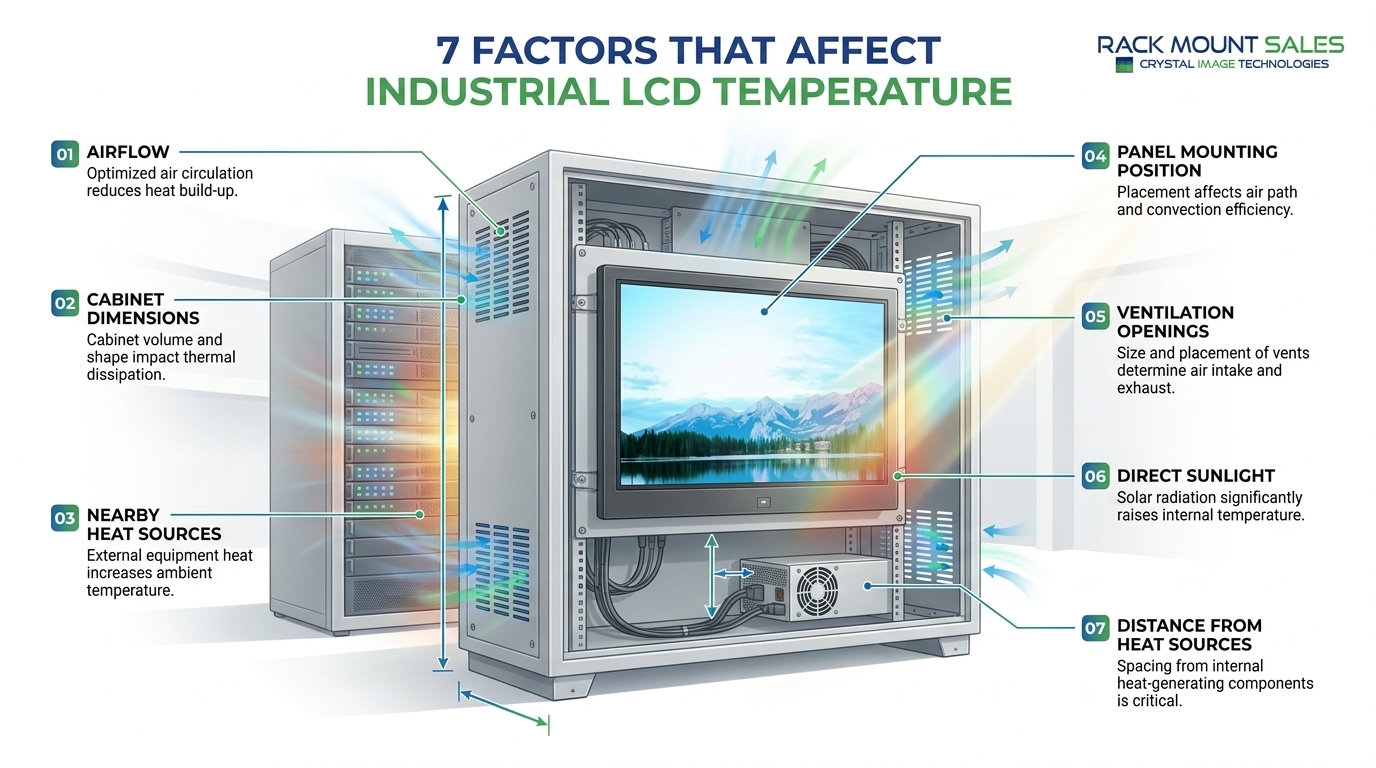
Before installation, consider:
These factors help determine whether the display can remain within its rated operating temperature.
For applications exposed to elevated temperatures, start by identifying the actual operating conditions.
Do not select a display based solely on the typical room temperature. Measure or estimate the temperature where the panel will physically operate.
For example, equipment installed near furnaces, engines, compressors, production machinery, or outdoor enclosures may experience significantly higher temperatures than the surrounding facility.
Look for an industrial LCD panel with an operating temperature range that provides sufficient margin for the application.
It is also important to evaluate the enclosure and cooling strategy. A wide-temperature display cannot compensate for an installation that continuously exposes the panel to temperatures beyond its specification.
Cold-weather applications require similar attention.
Outdoor equipment, transportation systems, refrigerated facilities, and remote industrial installations may experience temperatures well below those found inside conventional buildings.
These requirements can vary significantly between applications, so reviewing the types and applications of industrial LCD monitors can help clarify which display characteristics are appropriate for different environments.
When selecting a display, verify the manufacturer's minimum operating temperature. If the equipment must start and operate immediately in cold conditions, this specification becomes especially important.
Other system components, including touchscreens, cables, connectors, power supplies, and controllers, should also be evaluated because the display is only one part of the complete system.
Several mistakes can lead to poor display selection.
The temperature around the facility does not necessarily represent the temperature inside an equipment enclosure.
A display's storage temperature range does not mean it can operate continuously within that same range.
Servers, power supplies, processors, motors, and other electronics can increase the local temperature around the display.
Outdoor displays can experience significant heat from solar exposure. The enclosure and installation position should therefore be considered alongside the rated operating temperature.
If the expected operating temperature is very close to the panel's maximum rating, there may be little room for unexpected environmental changes.
A suitable temperature margin can provide additional protection against changing conditions.
Before purchasing an industrial LCD panel, review the manufacturer's technical documentation carefully.
Look for:
It is also useful to consider the complete system rather than evaluating the display in isolation.
A panel may have an appropriate temperature rating, but the surrounding enclosure, power supply, controller, or touchscreen may have narrower limits.
For a broader checklist covering temperature ratings, display specifications, and other important selection criteria, see our guide for buying rugged industrial monitors.
The operating temperature varies by model and manufacturer. Industrial displays can be designed for wider temperature ranges than standard commercial monitors, but the exact rating should always be confirmed in the product specifications.
Temperature can affect LCD response, image quality, electronics reliability, and overall service life. Selecting a display with an appropriate operating temperature range helps maintain reliable performance.
Operating temperature refers to conditions where the display is powered on and functioning. Storage temperature refers to conditions the display can tolerate while powered off.
Some industrial LCD panels are designed for outdoor or demanding environments, but suitability depends on more than temperature. Factors such as sunlight, humidity, dust, moisture, and enclosure protection should also be evaluated.
A wider operating temperature range is one indicator of environmental capability, but it does not automatically mean a display is suitable for every harsh environment. Other specifications and environmental protections must also be considered.
Temperature is an important specification when selecting an industrial LCD panel. Extreme heat and cold can affect display performance, electronic components, response characteristics, and long-term reliability.
The key is to understand the difference between operating and storage temperature and evaluate the actual conditions where the display will be installed.
Factors such as enclosure design, ventilation, nearby heat sources, direct sunlight, cooling requirements, and other system components can all influence the panel's real operating environment.
For demanding applications, choosing an industrial LCD panel with an appropriate temperature range and properly planning the installation can help maintain consistent performance and extend the useful life of the display. At Rackmount Sales, selecting the right industrial display begins with understanding these environmental requirements and choosing a solution designed for reliable performance in demanding conditions.
Before making a final selection, always compare the manufacturer's temperature specifications with the expected conditions of your application. This simple step can prevent compatibility problems and help ensure that the display performs reliably where it is needed most.

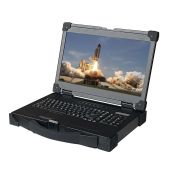
Industrial LCD displays are built for heavy-duty environments like factories, warehouses, and outdoor terminals. They can handle heat, dust, vibration, and long operating hours.
Militarydev411

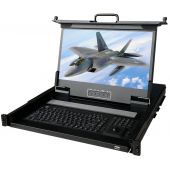
Downtime costs more than most people expect. When LCD monitor drawers fail inside a rack, teams lose access, waste time, and risk bigger hardware issues. Proper care keeps LCD monitordev411
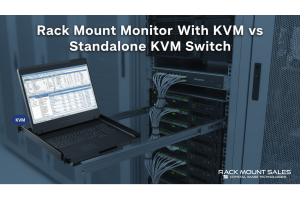
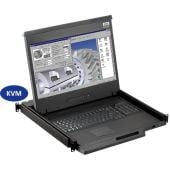
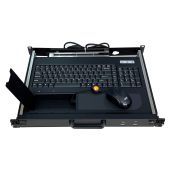
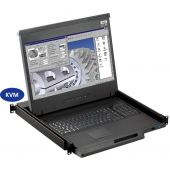
A rack mount monitor with KVM combines display, keyboard, and mouse into a single unit. This all-in-one design lets IT teams access multiple servers without juggling separate devices.dev411
We are so confident you will be satisfied with our products that we offer a 100% satisfaction guarantee


