




24/7 Support
Fast, professional support




















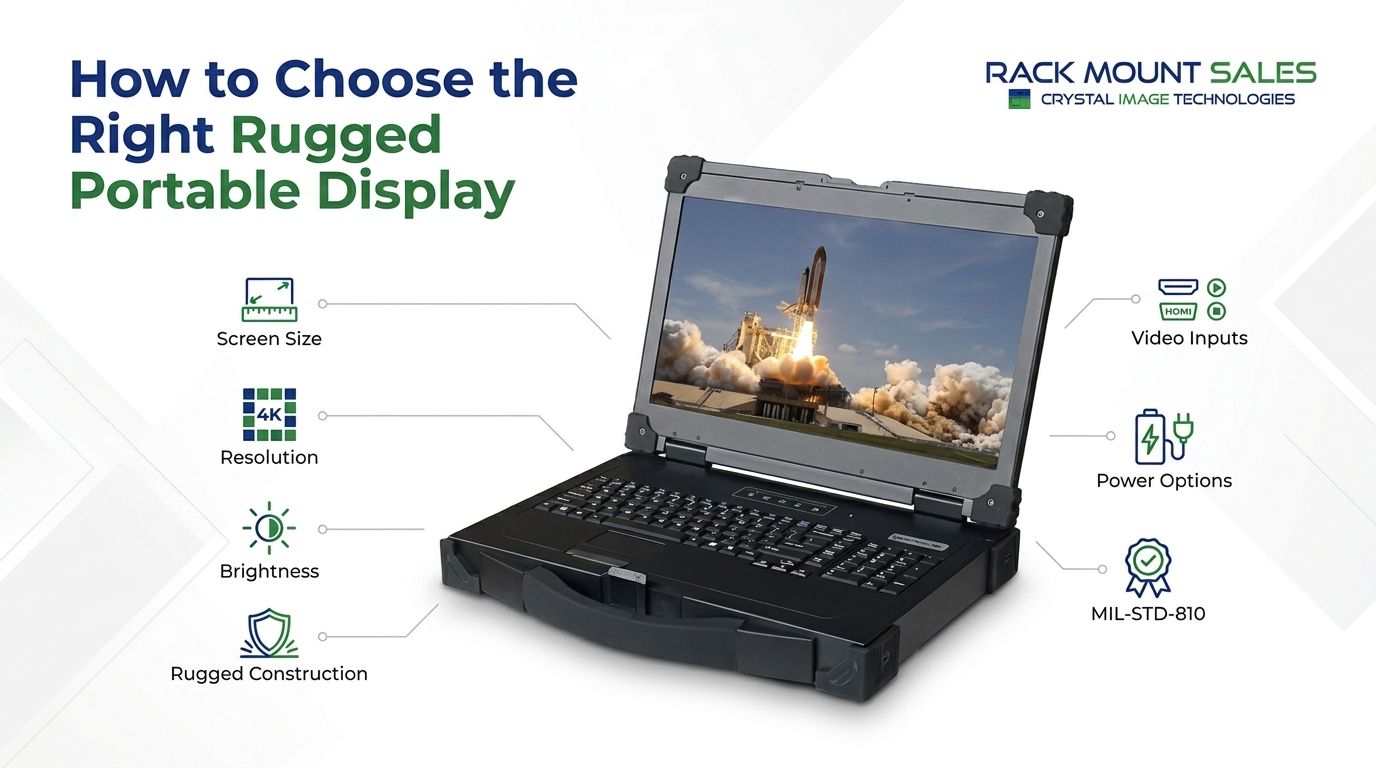
When a display has to move from one location to another, standard office monitors can create more problems than they solve. Field technicians, engineers, military teams, industrial operators, and systems integrators may need a screen that is easier to transport, brighter in demanding environments, and built into a more durable enclosure.
That is where rugged portable displays come in.
But choosing one is not simply a matter of picking the largest screen or highest resolution. Brightness, enclosure construction, video inputs, portability, power options, keyboard connectivity, and environmental specifications can all affect whether a display fits a particular application.
This guide explains the main factors to consider when choosing a rugged portable display and highlights several configurations available from Rackmount Sales.
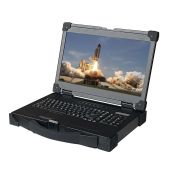
A rugged portable display is a mobile monitor designed around portability and durability. Unlike a typical desktop monitor, a rugged portable model can combine a reinforced enclosure, integrated controls, multiple video inputs, USB connectivity, and other features intended for field-oriented computing setups.
For example, Rackmount Sales offers portable displays with rugged aluminum cases, high-brightness LCD panels, USB accessory hubs, keyboard and mouse connectivity, and optional military-standard compliance.
The right configuration depends on how and where the display will be used.
A field engineer who needs a lightweight Full HD monitor may have different requirements from a defense or industrial user looking for MIL-STD-810 compliance. Similarly, someone working with detailed imagery may prioritize a 4K display over maximum screen brightness.
Remote teams working from temporary or off-site locations can benefit from the portability, durability, and connectivity offered by rugged portable displays in remote work environments.
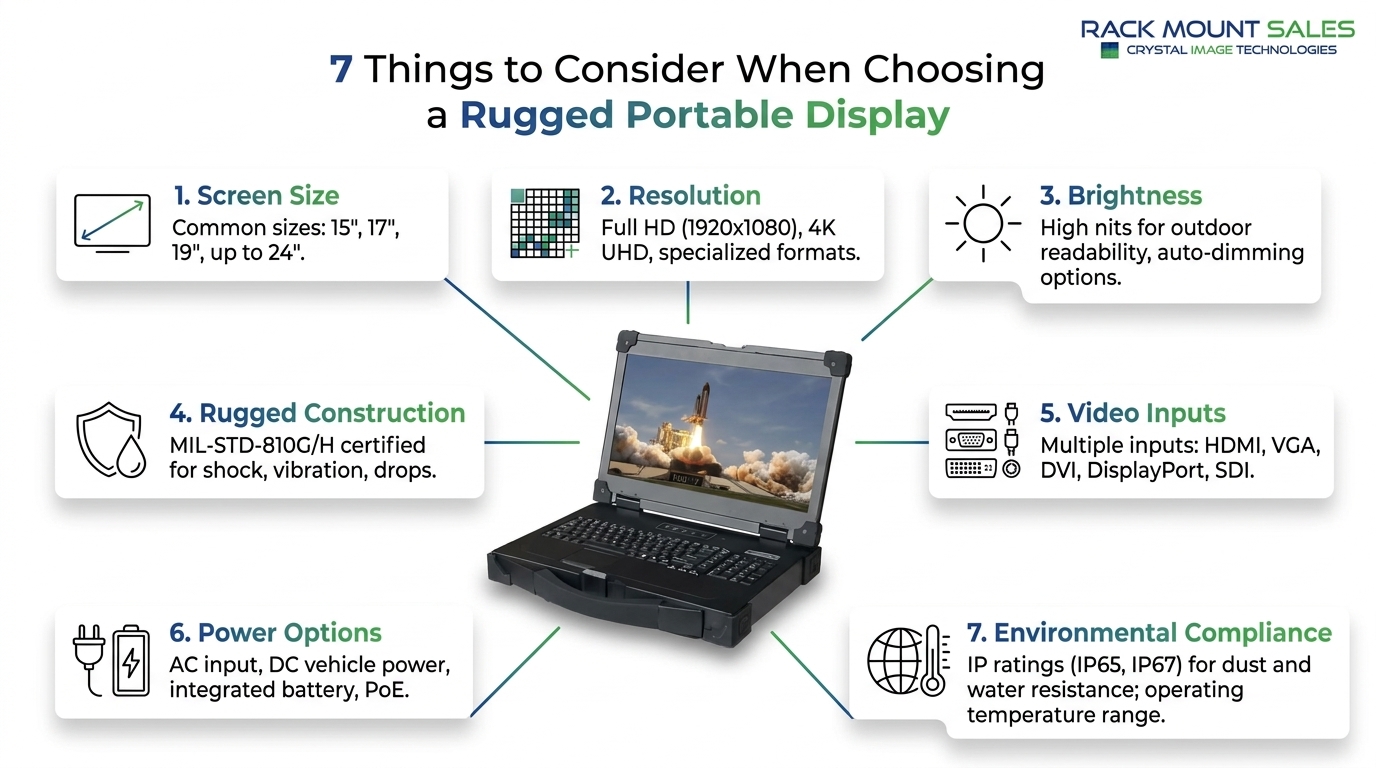
Screen size is one of the easiest specifications to compare, but it should be considered alongside resolution and portability.
A 15.6-inch rugged portable display can provide a useful balance between viewing area and physical size. A 17-inch model provides more screen space, which may be preferable when displaying detailed interfaces, engineering software, monitoring dashboards, or multiple information panels.
Resolution also matters.
A Full HD display with a 1920 × 1080 resolution is sufficient for many general computing and monitoring tasks. Some rugged portable models also support 1920 × 1200, providing additional vertical workspace.
For users who need greater pixel density and detailed imagery, a 4K rugged portable display can be a different proposition. Rackmount Sales offers a 17-inch 4K model with DisplayPort and HDMI inputs and a rugged aluminum enclosure.
The important question is not simply, "Is 4K better?"
Instead, ask:
Will the application benefit from the additional resolution, and does that matter more than other specifications such as brightness, portability, or connectivity?
For mobile systems, the answer depends heavily on the type of content being displayed.
Brightness is particularly important when a portable display may be used outside a conventional office environment.
Display brightness is commonly measured in nits, or candelas per square meter. A higher nit rating generally means a display can produce a brighter image, although actual visibility also depends on ambient lighting, screen surface treatment, viewing angle, and the surrounding environment.
Rackmount Sales offers several rugged portable displays with 1000-nit high-brightness LCD panels. The 15.6-inch PD-F115A, for example, combines 1000-nit brightness with 1920 × 1080 resolution and a rugged aluminum enclosure.
The 17-inch PD-F117A also uses a 1000-nit panel and supports 1920 × 1080 and 1920 × 1200 resolutions.
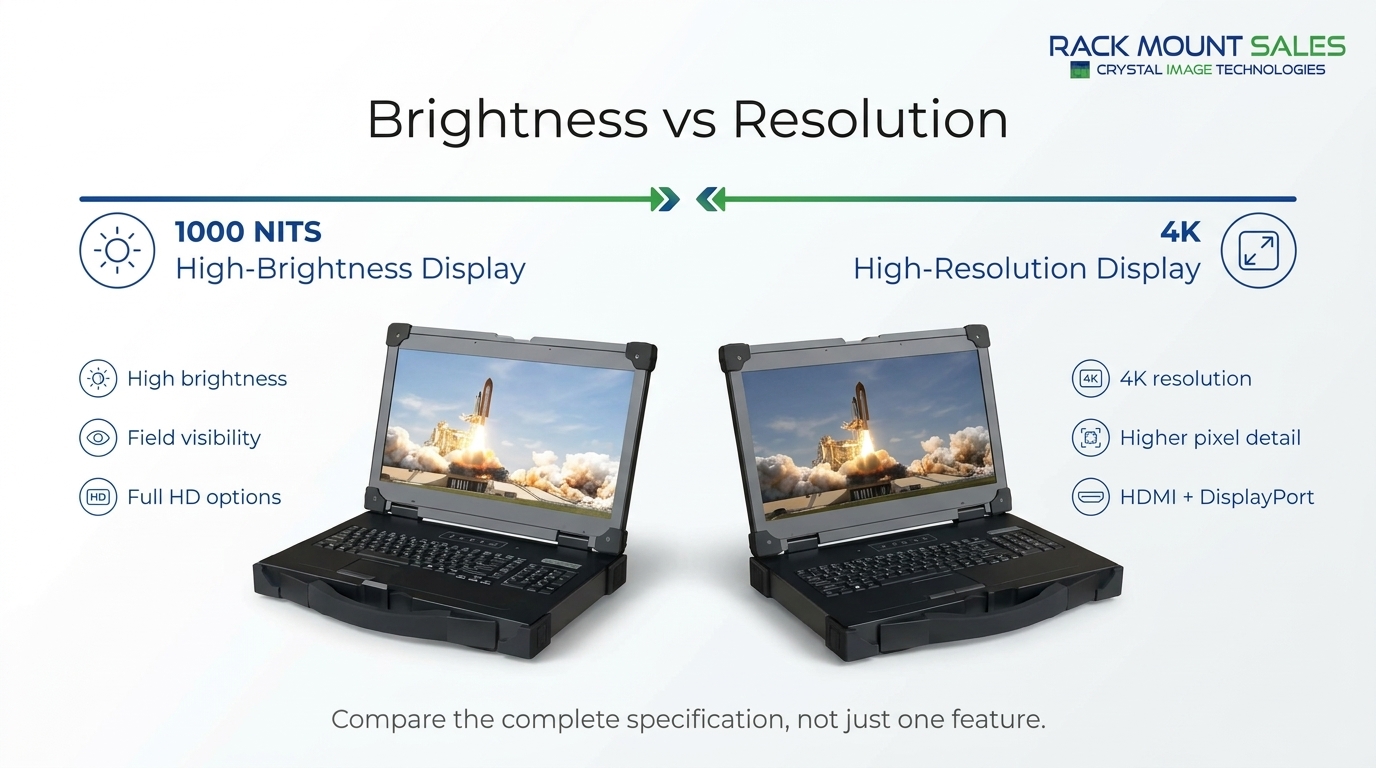
By comparison, the 17-inch 4K rugged portable display is listed with 400-nit brightness. This illustrates an important point when comparing rugged displays: a higher resolution does not automatically mean a higher brightness rating.
If visibility is a major requirement, check the brightness specification before focusing on resolution.
Portability changes the physical demands placed on a display.
A desktop monitor normally stays in one location. A portable display may be carried, transported between work areas, packed with other equipment, or deployed where a conventional office setup is impractical.
That is why enclosure construction deserves attention.
For industrial and field-based computing, rugged displays for harsh environments can provide a more suitable solution where standard desktop monitors may not meet the demands of the workspace.
The enclosure is only one part of the design. Buyers should also examine features such as corner protection, keyboard construction, available power configurations, and environmental specifications.
For example, the PD-F117A documentation identifies a rugged aluminum enclosure, rubber corner bumpers, integrated keyboard and touchpad functionality, and two rear USB 2.0 accessory hubs.
These details can make a difference when a display needs to function as part of a portable workstation rather than simply sit on a desk.
For some applications, military environmental standards are an important consideration.
MIL-STD-810 refers to a U.S. Department of Defense standard covering environmental engineering considerations and laboratory testing methods. However, buyers should look at the specific compliance information for the individual product rather than assuming every rugged monitor meets the same requirements.
Rackmount Sales offers specific portable display configurations listed as MIL-STD-810F/G compliant.
The 15.6-inch military-grade portable display, part PD-F115A-MIL, is listed with MIL-STD-810F compliance, a 1000-nit LCD panel, VGA, DVI-D and HDMI inputs, a rugged aluminum case, and an IP65 sealed 104-key silicone backlit keyboard with touchpad mouse.
This model also has an optional 9–36V DC power configuration, which can be relevant when the display needs to integrate with a mobile or specialized power system.
The key takeaway is simple:
Do not treat "rugged" and "MIL-STD-810 compliant" as identical terms.
A display can have rugged construction without having the same documented military-standard compliance as a specific MIL-STD configuration.
A rugged portable display is only useful if it can connect to the equipment you need to operate.
Before purchasing, identify the video output available from the source system. Common interfaces can include:
Rackmount Sales' 15.6-inch rugged portable display supports VGA, DVI-D and HDMI, with DisplayPort available as an option.
The 17-inch PD-F117A provides the same core VGA, DVI-D and HDMI combination, with DisplayPort available as an option.
The 17-inch 4K model takes a different approach, offering DisplayPort and HDMI inputs.
This difference matters when selecting equipment for an existing system. A display with impressive specifications can still be inconvenient if its available inputs do not match the source computer, server, workstation, or other video equipment.
For portable computing, the display itself may be only part of the interface.
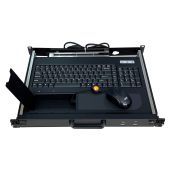
A built-in keyboard, touchpad, and USB hub can reduce the number of separate peripherals that have to be carried and connected.
Several Rackmount Sales portable display configurations include USB 2.0 keyboard and mouse connectivity plus two rear USB accessory hubs.
The military-grade PD-F115A-MIL goes further with a sealed 104-key IP65 silicone backlit keyboard and touchpad mouse.
This type of integrated design can be useful when portability and setup time are important considerations.
Instead of transporting a separate monitor, keyboard, mouse, and USB hub, an integrated portable display can bring several of those functions together in one enclosure.
Power compatibility is another specification that should be checked before selecting a rugged portable monitor.
Standard AC power may be suitable for many installations, but specialized mobile systems can require different power configurations.
Some Rackmount Sales rugged portable displays offer optional 9–36V DC power, while the 17-inch PD-F117A also lists an optional IEC internal power configuration.
This is particularly important when designing a portable system because the display should match the available power source rather than requiring an additional conversion setup that adds complexity.
A rugged monitor for mobile work setups can also simplify portable computing by combining a durable display with the connectivity and power options needed for moving between work locations.
When comparing models, check:
Choosing between a 15.6-inch and 17-inch rugged portable display often comes down to the balance between viewing area and portability.
A 15.6-inch model can make sense when physical size and weight are important. Rackmount Sales' PD-F115A weighs approximately 8.8 pounds and provides 1920 × 1080 resolution with a 1000-nit panel.
A 17-inch model provides a larger display area while maintaining a portable enclosure. The PD-F117A weighs approximately 11 pounds and provides 1000-nit brightness with support for 1920 × 1080 and 1920 × 1200 resolutions.
Neither size is automatically the right choice for every application.
Consider the amount of information that needs to remain visible at once, how frequently the display will be transported, available storage space, and the importance of screen brightness and resolution.
Resolution deserves a separate comparison because 4K is not automatically the deciding factor for a rugged portable monitor.
A 4K display provides substantially more pixels than Full HD, making it useful when the application benefits from additional image detail and screen workspace.
However, the 17-inch 4K rugged portable display from Rackmount Sales is listed at 400 nits, while several Full HD rugged models are available with 1000-nit brightness.
That means buyers should compare the complete specification rather than selecting a display based on resolution alone.
A useful checklist is:
Resolution + brightness + size + connectivity + rugged construction + power options
Looking at all six together gives a more accurate picture of whether a particular display fits the intended setup.
Not every portable computing requirement can be solved with a display alone.
If you already have a computer or server and simply need a durable portable screen, a rugged portable display may be enough.
If you need the display and computing hardware integrated into one expandable system, a rugged portable workstation may be more appropriate.
Rackmount Sales offers portable workstation configurations with rugged aluminum alloy construction, Micro-ATX support, drive bays, expansion capabilities, and configurable processors. The PWS40-17A, for example, is designed as a customizable portable workstation chassis with four drive bays and an optional 600-watt power supply.
The PWS70-17A adds an integrated 17-inch LCD and provides seven expansion slots, four drive bays, ATX/Micro-ATX support, and a 700-watt power supply.
The distinction is important:
Rugged portable display: portable screen and interface for an existing computing system.
Rugged portable workstation: a more complete computing platform combining display, enclosure, and configurable computer hardware.
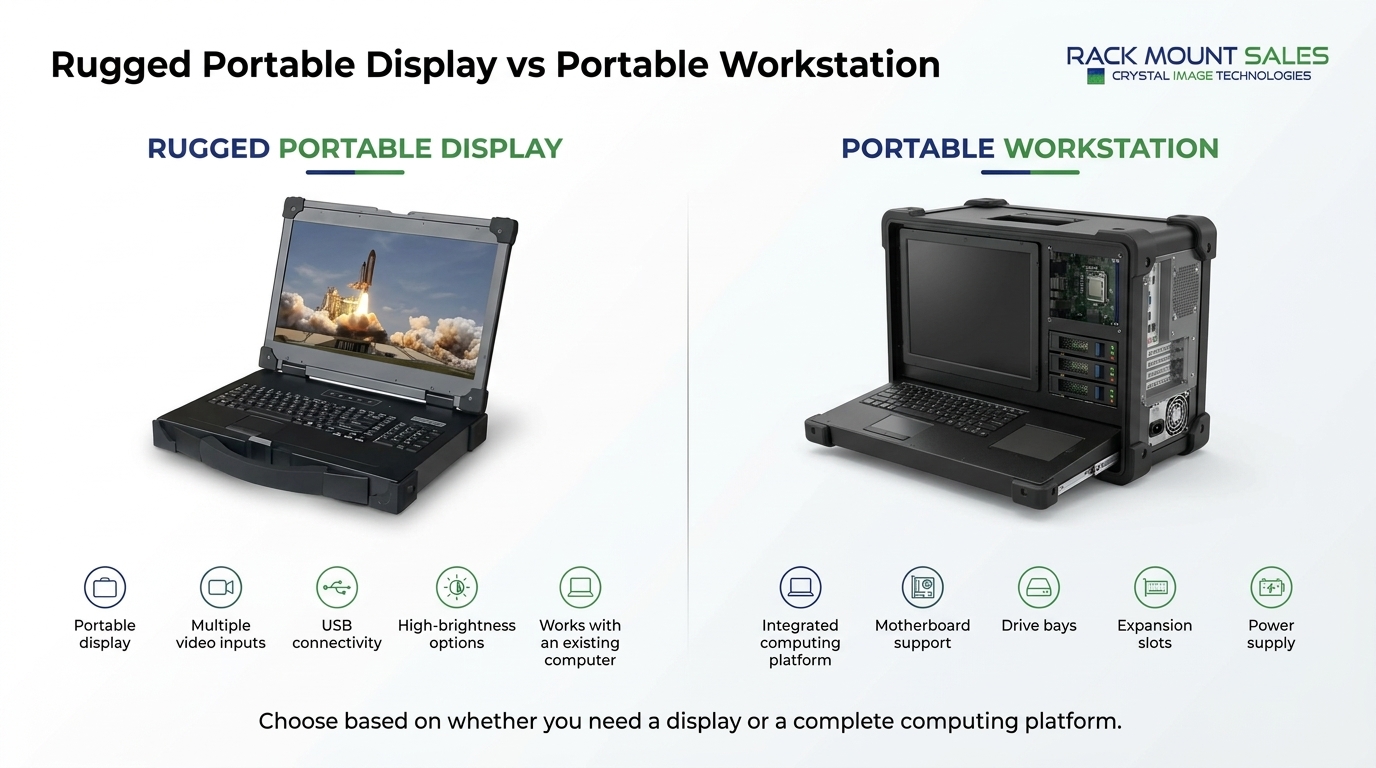
Rackmount Sales offers several configurations, ranging from compact 15.6-inch portable displays to larger 17-inch models, a 17-inch 4K option, and complete portable workstation platforms. The right choice depends on whether you need a display for an existing computer or a complete portable computing system.
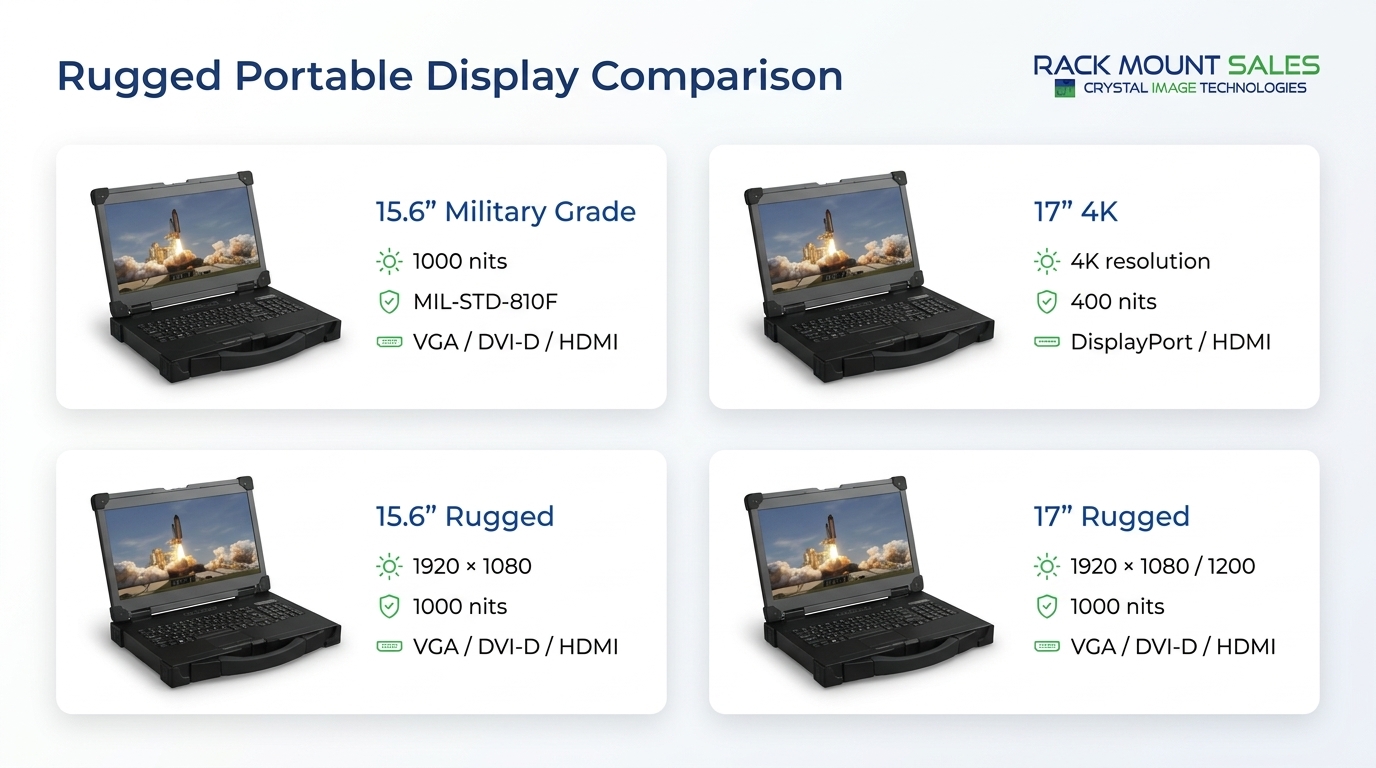
The following comparison provides a quick overview of the primary display configurations.
|
Model |
Screen |
Resolution |
Brightness |
Video Inputs |
Rugged Features |
|
PD-F115A-MIL |
15.6" |
1920 × 1080 / 1920 × 1200 |
1000 nits |
VGA, DVI-D, HDMI |
MIL-STD-810F, rugged aluminum case |
|
PD-F117-4K |
17" |
4K |
400 nits |
DP, HDMI |
Rugged aluminum case |
|
PD-F115A |
15.6" |
1920 × 1080 |
1000 nits |
VGA, DVI-D, HDMI |
Optional MIL-STD-810F/G |
|
PD-F117A |
17" |
1920 × 1080 / 1920 × 1200 |
1000 nits |
VGA, DVI-D, HDMI |
Optional MIL-STD-810F/G |
Specifications can vary by configuration and available options, so buyers should confirm the required configuration before ordering.
The 15.6-inch Rugged Military Grade Portable Display, PD-F115A-MIL, is designed for buyers who need a combination of portability, high brightness, rugged construction, and documented MIL-STD-810F compliance.
It features a 1000-nit LCD panel and supports 1920 × 1080 and 1920 × 1200 resolutions. Connectivity includes VGA, DVI-D, and HDMI video inputs.
The display uses a lightweight rugged aluminum case weighing approximately 11 pounds and includes two rear USB accessory hubs. It also includes USB 2.0 keyboard and mouse functionality.
One of its distinguishing features is the integrated 104-key IP65 silicone backlit keyboard and touchpad mouse. The sealed keyboard design can be useful where an integrated input solution is preferable to carrying separate peripherals.
An optional 9–36V DC power configuration is also available.
This configuration is worth considering when MIL-STD-810F compliance and high brightness are both important requirements.
View the 15.6" Rugged Military Grade Portable Display
The 17-inch 4K Rugged Portable Display, PD-F117-4K, takes a different approach.
Instead of emphasizing a 1000-nit panel, this model focuses on 4K resolution in a portable rugged format. It is listed with DisplayPort and HDMI inputs and a 400-nit display.
The enclosure is constructed from rugged aluminum and weighs approximately 11 pounds. It also includes two rear USB accessory hubs and USB 2.0 keyboard and mouse connectivity.
MIL-STD-810F compliance is available as an option.
This configuration may be relevant for applications where higher display resolution is more important than the 1000-nit brightness offered by some of the Full HD rugged models.
View the 17" 4K Rugged Portable Display
The standard 15.6-inch Rugged Portable Display, PD-F115A, provides many of the features buyers may want in a portable field monitor without the MIL-STD-810F configuration being standard.
It uses a 1000-nit high-brightness LCD panel with 1920 × 1080 resolution.
Video connectivity includes VGA, DVI-D, and HDMI, with DisplayPort available as an option.
The rugged aluminum case weighs approximately 8.8 pounds, making this the lighter of the 15.6-inch display configurations discussed here.
It also includes two rear USB accessory hubs and USB 2.0 keyboard and mouse connectivity. MIL-STD-810F/G compliance is available as an option.
For buyers looking for a lighter 15.6-inch rugged portable monitor with high brightness, this configuration provides a straightforward option.
View the 15.6" Rugged Portable Display
The 17-inch Rugged Portable Display, PD-F117A, provides a larger viewing area while retaining the portable rugged design.
It features a 1000-nit high-brightness LCD panel and supports 1920 × 1080 and 1920 × 1200 resolutions.
The display provides VGA, DVI-D, and HDMI inputs, with DisplayPort available as an option.
The rugged aluminum enclosure weighs approximately 11 pounds and includes two rear USB accessory hubs along with USB 2.0 keyboard and mouse functionality.
Optional configurations include MIL-STD-810F/G compliance and either 9–36V DC or IEC internal power.
This model can be a useful option for buyers who want the larger 17-inch format and high brightness while retaining multiple video-input options.
View the 17" Rugged Portable Display
A rugged portable display and a rugged portable workstation solve different problems.
If you already have a computer, server, or other video source, a rugged portable display may be all you need. The display provides the screen and, depending on the configuration, integrated keyboard, touchpad, USB connectivity, and multiple video inputs.
A portable workstation, on the other hand, combines the display or enclosure with space for computing hardware.
That distinction is important because adding more features to a monitor does not turn it into a workstation. A workstation is designed around the computer hardware, storage, expansion, and power requirements of the complete system.
The Portable Workstation Chassis, PWS40-17A, is designed for users who need a configurable computing platform rather than a standalone portable monitor.
The chassis uses rugged aluminum alloy construction and supports Micro-ATX form-factor desktop and server system boards. It can also be configured with current Intel multi-core processors.
Storage is provided through four drive bays:
A 600-watt power supply is available as an option.
Because the chassis is configurable, it can provide a foundation for building a portable system around the user's specific computing requirements.
View the Portable Workstation Chassis
For buyers who want a workstation with an integrated display, the PWS70-17A Rugged Portable Workstation with 17" LCD provides a more complete configuration.
The system combines a rugged portable workstation chassis with a 17-inch LCD and DVI input.
It supports both Micro-ATX and ATX motherboard configurations and provides seven expansion slots. Storage includes three 3.5-inch drive bays and one slim-line optical drive bay.
The system is configured with a 700-watt power supply, while VGA, HDMI, and DisplayPort inputs are available as options.
This type of system makes more sense when the project requires computing hardware, expansion capability, storage, and a display in one portable platform.
View the Rugged Portable Workstation With 17" LCD
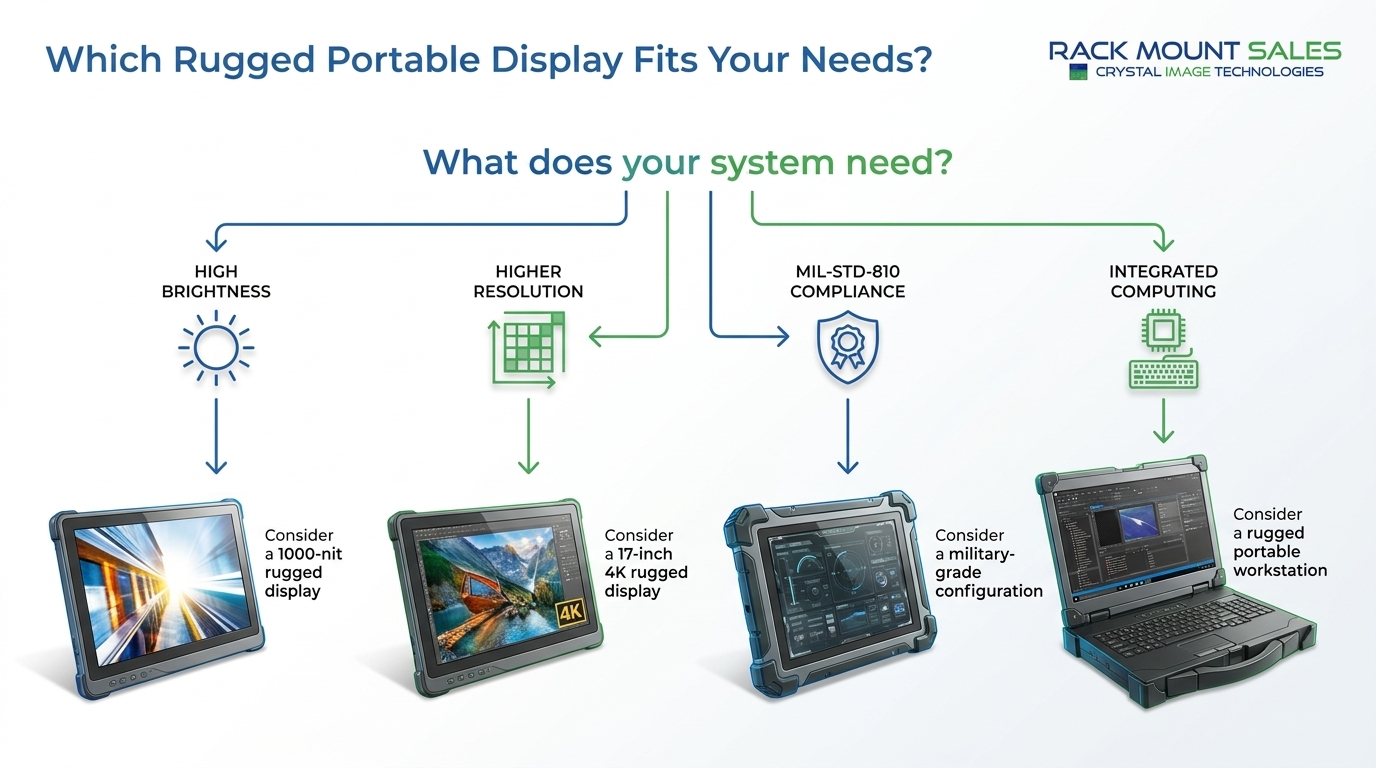
There is no single specification that determines which rugged portable display fits every application. Instead, start with the requirements of the system.
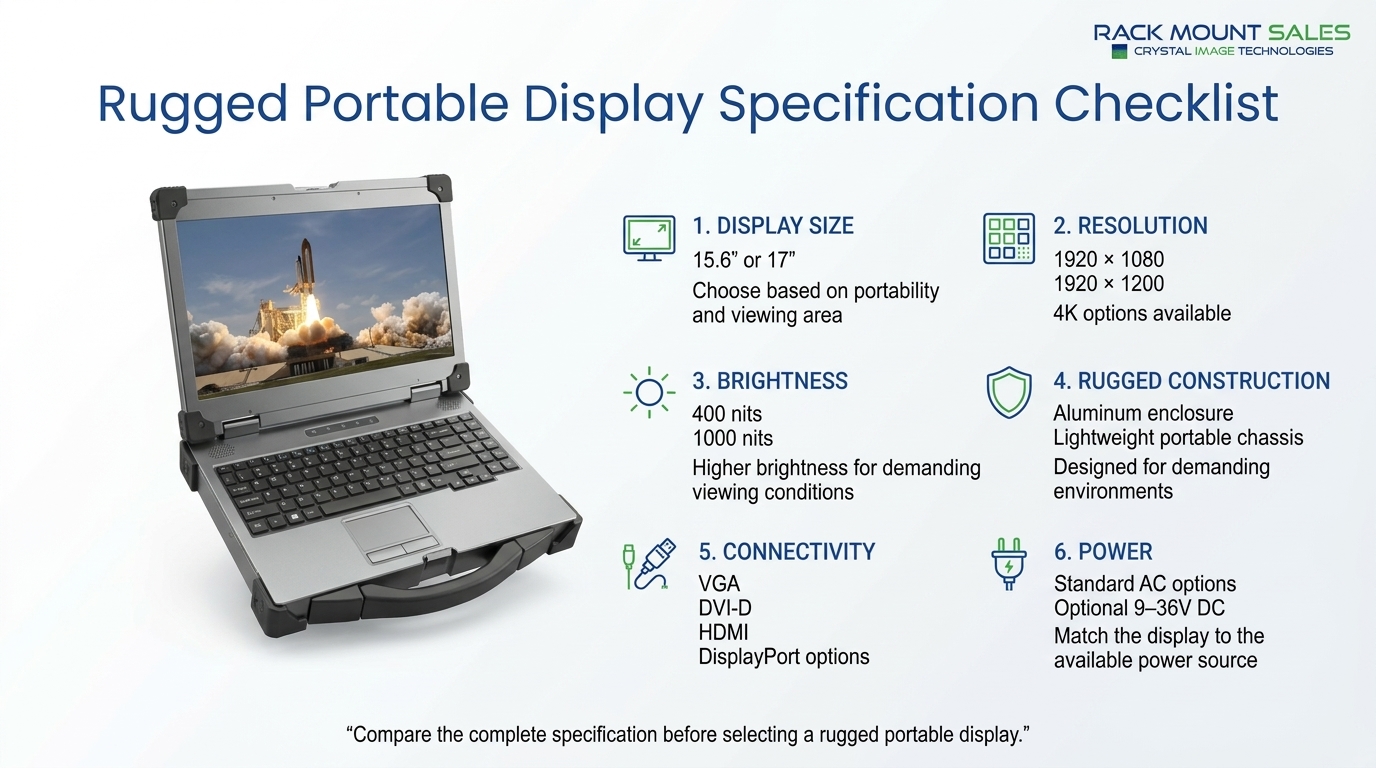
Choosing a rugged portable display starts with the environment, but it should end with the complete system requirements.
Start by determining the required screen size, resolution, brightness, video inputs, power configuration, portability, and environmental specifications. Then consider whether you need a standalone display or a complete portable workstation.
For some systems, a lightweight 15.6-inch display with 1000-nit brightness may provide the right balance. Other projects may call for a larger 17-inch display, 4K resolution, MIL-STD-810 compliance, or an integrated workstation platform.
The important thing is to compare the complete specifications rather than choosing a rugged monitor based on one feature alone.
Rackmount Sales provides multiple rugged portable display and workstation configurations, allowing system designers and technical buyers to select a platform based on their specific display, connectivity, portability, and computing requirements.
Industrial LCD displays are built for heavy-duty environments like factories, warehouses, and outdoor terminals. They can handle heat, dust, vibration, and long operating hours.
Militarydev411

Downtime costs more than most people expect. When LCD monitor drawers fail inside a rack, teams lose access, waste time, and risk bigger hardware issues. Proper care keeps LCD monitordev411
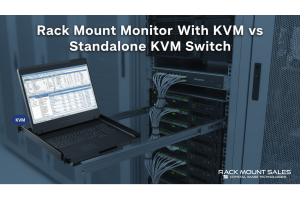
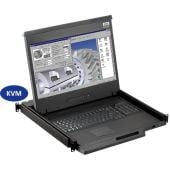
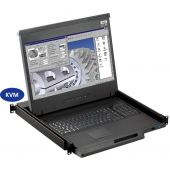
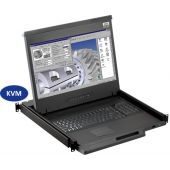
A rack mount monitor with KVM combines display, keyboard, and mouse into a single unit. This all-in-one design lets IT teams access multiple servers without juggling separate devices.dev411
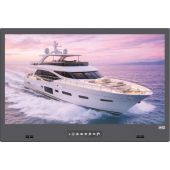
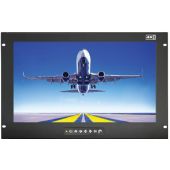
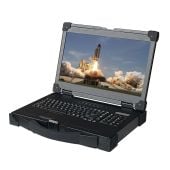
We are so confident you will be satisfied with our products that we offer a 100% satisfaction guarantee


