Page 5 - Blog

  1. What is KVM Switch - Benefits of KVM Switch

    What is KVM Switch?

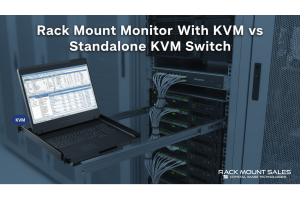
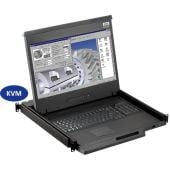
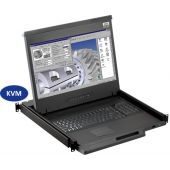
    KVM stands for keyboard, video, and mouse. A keyboard, video, and mouse (KVM) switch is a tool that enables individuals to operate multiple computers using just one set of KVM peripherals. If a person or company has multiple computers but does not want to purchase separate peripheral sets for each one, KVM switches can be useful.


    Benefits of a KVM Switch

    Cost Savings

    The primary benefit of using a KVM switch is cost savings. One set of peripheral devices, which can be shared by several computers, can be purchased with a KVM switch. Enterprises that need to establish several desktops but want to reduce equipment costs may find this to be especially helpful.

    Space Savings

    Using a KVM switch also saves space. Instead of having multiple keyboards, mice, and monitors cluttering up your workspace, you can have one set that controls multiple computers. This is especially useful for individuals or businesses with limited space.

    Increased Efficiency

    A KVM switch can also increase

    Read more »
  2. How To Choose A Marine LCD Display

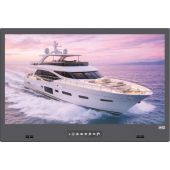
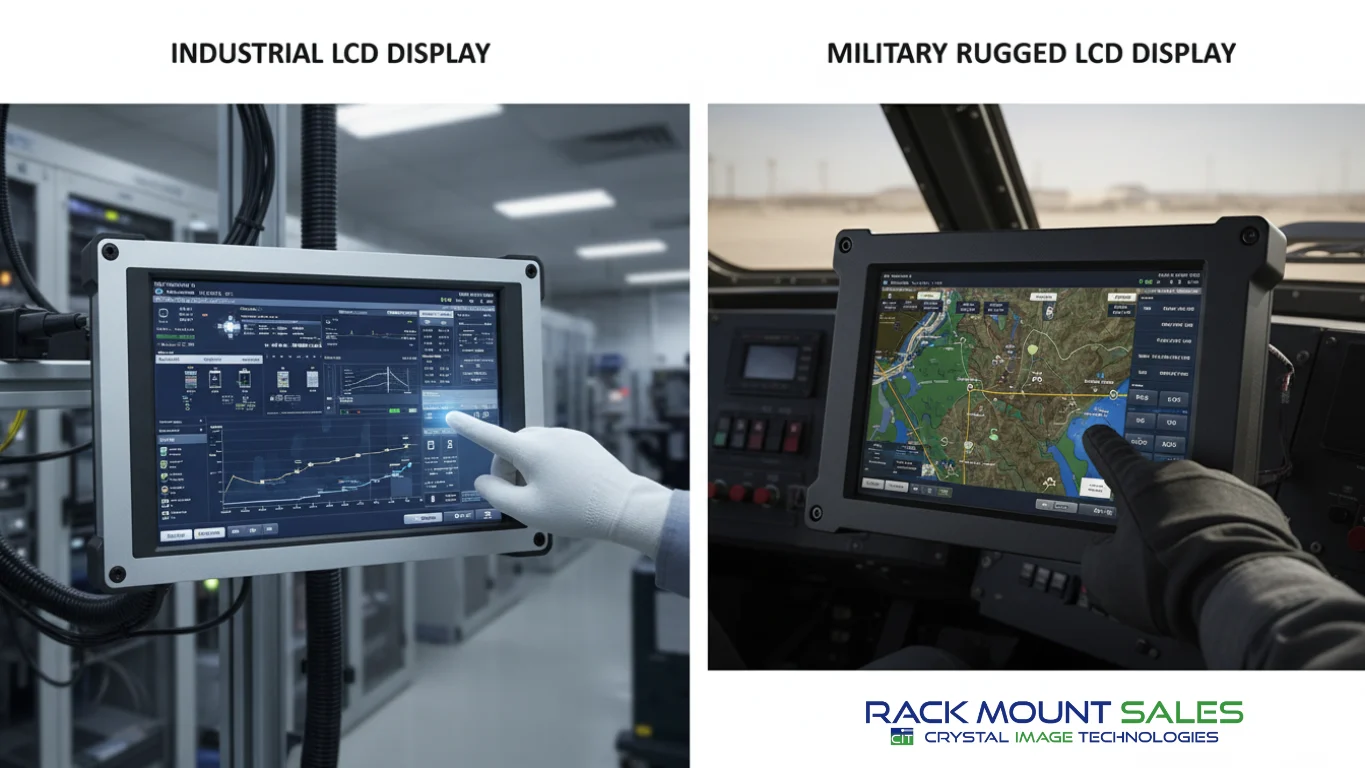
    Marine LCD displays are necessary anytime you’re navigating the waters of the world. The main reason they are so crucial aboard any naval ship is that they have the ability to withstand any type of environmental or weather condition. Marine LCD displays are built with more durable and industry-specific materials.

    When buying a Marine LCD display you should look for specific features that will help you in crucial times aboard the ship or boat. Think about what information you will need to know in time of crisis. System reliability and durability are determining factors between a successful mission and an unsuccessful one due to technical difficulties. You should always expect the unexpected in regards to the safety and proficiency of the crew.

    Since you’re on the water you want to make sure all of your devices and equipment are waterproofed. It’s inevitable that water or at least salt will intrude your electronics and devices. The best idea to go about this is to buy waterproofed or anodized

    Read more »
  3. Considerations In Purchasing A Rackmount Monitor

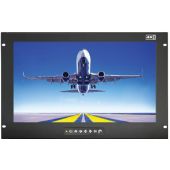
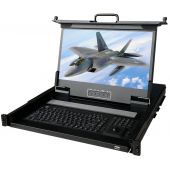
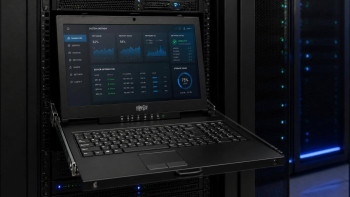
    Rackmount LCD monitors are space saving and compact. They provide users with superior picture quality in various resolutions and mounting depths. From 1280 X 1024 to 1920 X 1200, we have many options to meet requirements for specific applications. Various depths are available for mobile transit cases to full depth racks which feature a rack drawer that allows the monitor to be lifted up from a rack.

    Rackmount monitors have features like adjustable brackets, built-in LCD and full on-screen display features. With an integrated KVM Switch, these provide an effective way to control many PCs at once. A directly mountable monitor fits into a standard rack cabinet. There are a few styles including:

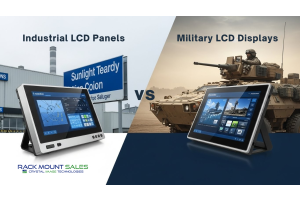
    • Industrial integrated LCD panels
    • Console integrated monitors

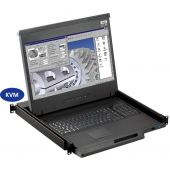
    Rackmount monitors are generally equipped with KVMs also known as keyboard, video, and mouse controls. This allows the controlling of a computer from a single 1U keyboard, monitor, and mouse. A great space savings solution. With the integrated

    Read more »
Page